While we are working on Elevator we would like to focus on resolving major or longterm bugs that exist in the game currently.
We are looking for longstanding bugs that either players have come to accept (or simply not report) or have been pushed onto the backburner and seemingly forgotten about. We are especially asking for bugs that are frequently encountered or easily replicatable.
To report these issues please:
Describe the bug in as much detail possible
Describe how to cause the bug or when it usually occurs
If applicable, include an image
Link any existing forum posts about this bug in your comment
Bugs we are actively working on
Game Worlds
Failing to spawn in SDNL and Virus (the “White Woman bug”)
Invisible players bug in SDNL and Virus
SDNL/Virus: Sometimes not getting weapons
Condo / Plaza
Interaction trace being offset while sittingFixed in 1.1.3.0
RC Sleigh not behaving properly with SDK3 Workshop modelsFixed in 1.1.3.0
Bowling: Pins not counting as being knocked down
Ball Race upgrade shop material previewing
SDK
Ball Race movers not working in testing mode
Ball Race boosts not working in multiplayer
Movers not disconnecting properly
UI
Clicking on player in global chat on main menu popup gets cut off
This applies to anything that temporarily changes your gravity (umbrella for example).
Just wear a small potion, hop around some, walk into a gravity volume, leave the gravity volume, hop around again.
This was never fixed for drums
Still an issue to my knowledge
Here are issues off the top of my head that I don’t have a thread for but are easily reproducible and have been around for a long time:
When someone is physically too close to you, you are unable to interact with media players despite the fact that the person isn’t visibly blocking the media player and the “Q Open Media Queue” UI appears. Essentially, the game registers the fact that you are pointing at a media player successfully but pressing Q does not yield the media player UI.
Switching to different items while using emotes like sit or layback puts you in a weird bugged standing state
Pulling out the wowozela while in an area that does not allow it to be used makes it glow unbelievably bright
There’s quite a few bug reports I’ve made over the years that are still active, but to keep my list short(ish) I’ll just post the ones that annoy me the most:
Weapon metadata position bug - #2 by Akela - This one makes me sad because of course it had to affect my main/favorite playermodel that I uploaded and not my other ones.
Most of what I’ve posted in the Condo: Resort bug thread is still active other than the missing texture reports. The floating water height, water texture bug, “Built Lighting” setting not working properly, and not being able to build on the roof are probably the ones that annoy me the most atm. I’ve sadly had to stop trying to work on my Resort condo because of how buggy and unoptimized this map continues to be.
Related to the above ^, the balls position on billiards also is not accurate in a 2 player game. At the end of each player’s turn, their position is not properly networked as the other player left them.
The game often crashes if you attempt to connect to a nearly full plaza, unsure if it’s because it’s already full by the time the loading screen is over or because the game doesn’t know what to do in such cases.
I noticed about 3 years ago that string items don’t update their set position for co-op builders. I can’t find a thread about this but I heard other players talk about it a lot in the past years. So the situation is: Go to friends condo, get building permissions etc., try to put up a string item (string lights, garland, rope, chains…). Setting the starting position will show on the host’s end but not on the player’s end who is actually setting the position. If the host is the one to set the position it will show correctly on everyone’s side.
Similarly I noticed a while ago if you have 3+ mover trains in your condo they will simply not work for visitors. This also has been an issue since at least 2023 and is unrelated to the current mover problems that have been recently reported: Go to your condo, set up at least 3 mover trains, have people join - from their end the movers will not work at all and the connected objects will just be in their spawn as if not connected at all.
That first one, the accessory metadata bug, is a great example of a bug I’ve “come to accept” because of how long it’s been around. Every time I go into the plaza I just have to spam the X button on one of the accessory slots that I’m not using to get the others to all fix their position (hopefully), but then the next time I sit down or interact with something it usually breaks again.
Also I thought of another longterm bug that I’ve just come to accept: The camera getting stuck/locked while building in a condo.
There’s multiple ways this can occur, but here’s a thread mentioning one of the methods to reproduce it. The only way to fix it is to either respawn or use an RC vehicle and then exit it. Used to drive me absolutely bonkers but I’ve gotten so used to it just being a “quirk” with TU building.
This bug is long solved however the idea still applies to:
Sound Emitter
Workshop Sound Emitter
Post Process Volume
This is still an issue as well and relatively easy to replicate although it is a bit random.
This title is inaccurate however the edit at the top of the post is true and still an issue. If you name something outside of the item finder (in the edit menu for example), this new name won’t show up in the item finder unless you’re able to scroll it off screen and then back on. I can provide a video if this is a confusing explanation but the best way to test this would be:
Have enough items down to where there’s a scroll bar on the item finder
Sort by distance
Make sure you’re scrolled to the top of the list
Edit an item close to you
Change its name
Check item finder
What you’ll find is that since its sorted by distance, the item is near the top of the list, and it will not show the new name you’ve given it. If you scroll down enough to where its out of sight on the list, then scroll back up, the new name will appear.
The issue with this bug is scrolling something off screen is not always an option depending on what you’re doing.
[Sticky workshop pop-up UI]
Currently if you mouse over items in the workshop item browser (or player model browser but it has to be in the full browser, not on your Appearance favorites list) and right click, the mouseover pop-up will stick and the item you were mousing over will stay selected even after moving your mouse off of it and closing the browser UI. This bug has been around for ages in various forms but right clicking triggers it 100% of the time.
This ALSO happens if you mouse over an item in the workshop item browser and press escape to pop up the pause menu.
[Old Wood Table has questionable collision]
2 sides of the Old Wood Table are completely solid when it looks like you should be able to walk underneath it.
Summary: Smooth Autumn’s skybox is barely customizable. The colors are extra desaturated and the values are inverted. I have made an attempt to reach out and see if that’s just the way the skybox is supposed to be but nobody answered my question.
More images are viewable on the question post if you’re not satisfied with the initial bug report.
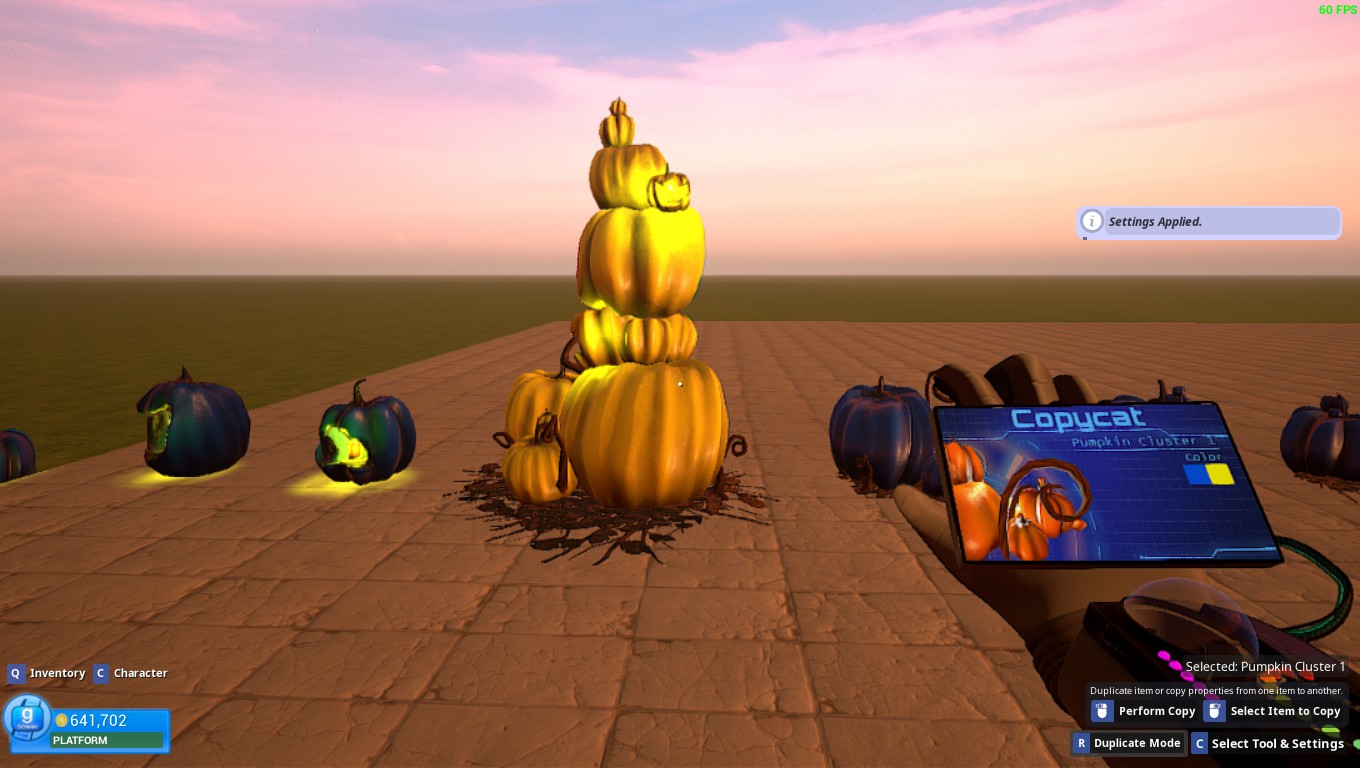
Pumpkin Tower Light Color Value Affecting Pumpkin Color Value
Summary: The Pumpkin Tower item’s light value is affecting the pumpkin color value.
Replication: Just place the Pumpkin Tower down in any condo and attempt to change the color value of the pumpkins. The color won’t change. Then change the color of the light coming off of the pumpkins and you’ll see that the Pumpkins change color with the light.
Image:
Please Note: In the picture all pumpkins use blue for the pumpkin color and yellow for the light color. All except for the Pumpkin Tower which seems to use the light color value for both the Pumpkin color and the light color.
Flying Broomstick (Witchy) is not in the correct position and clipping through models.
Summary: The broomstick is either rotated incorrectly or not positioned correctly.
Replication: Simply equip the Flying Broomstick (Witchy) and go to 3rd person.
Images:
Please Note: In the image I am using the “Masculine” base model. The same issue occurs for the Feminine, Skeleton, Milk Carton, and both Legacy models as well as all of the workshop models.
Edit: Added Question Post to Smooth Autumn Skybox is still not working properly (Desaturated and inverted values)
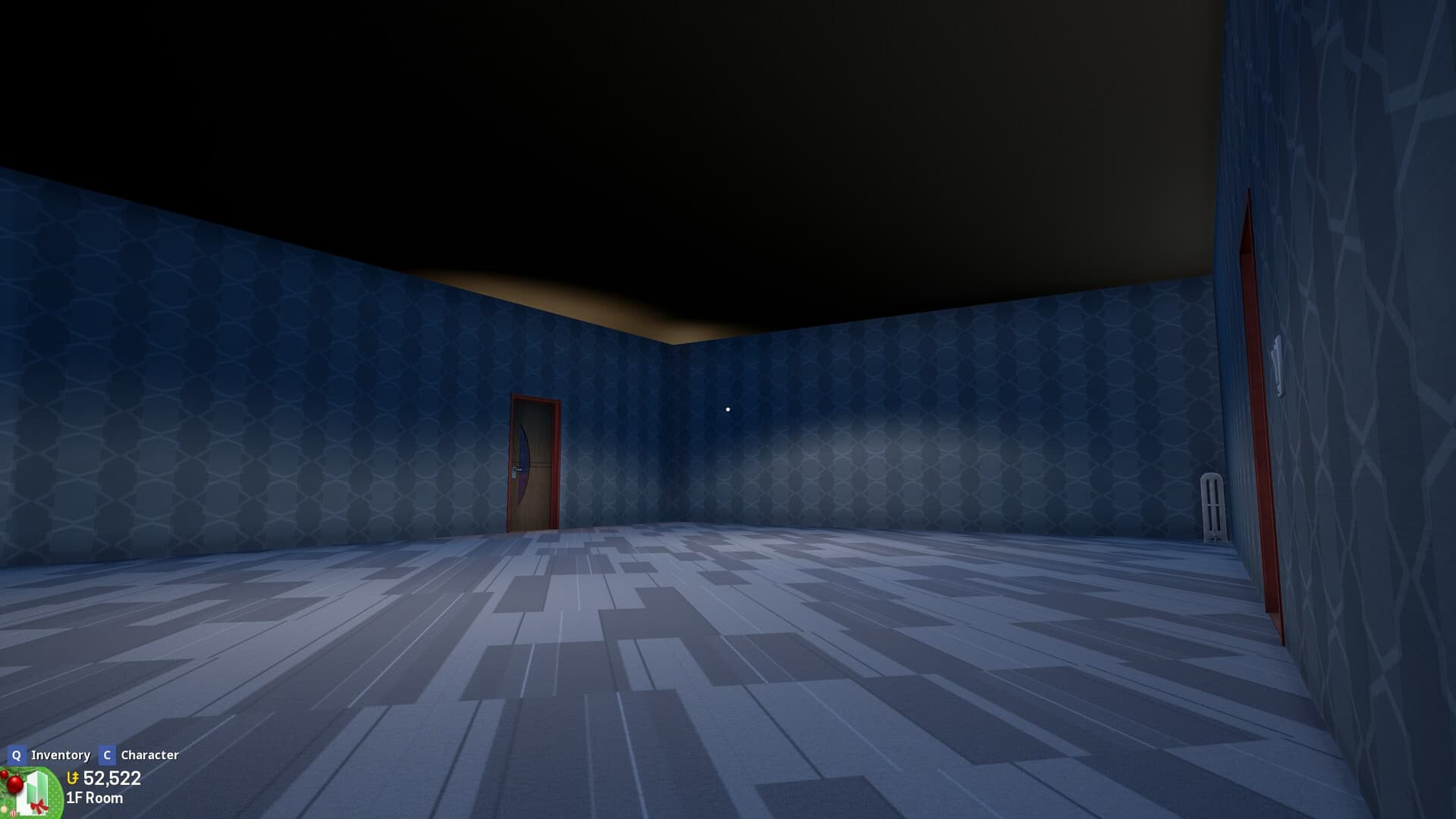
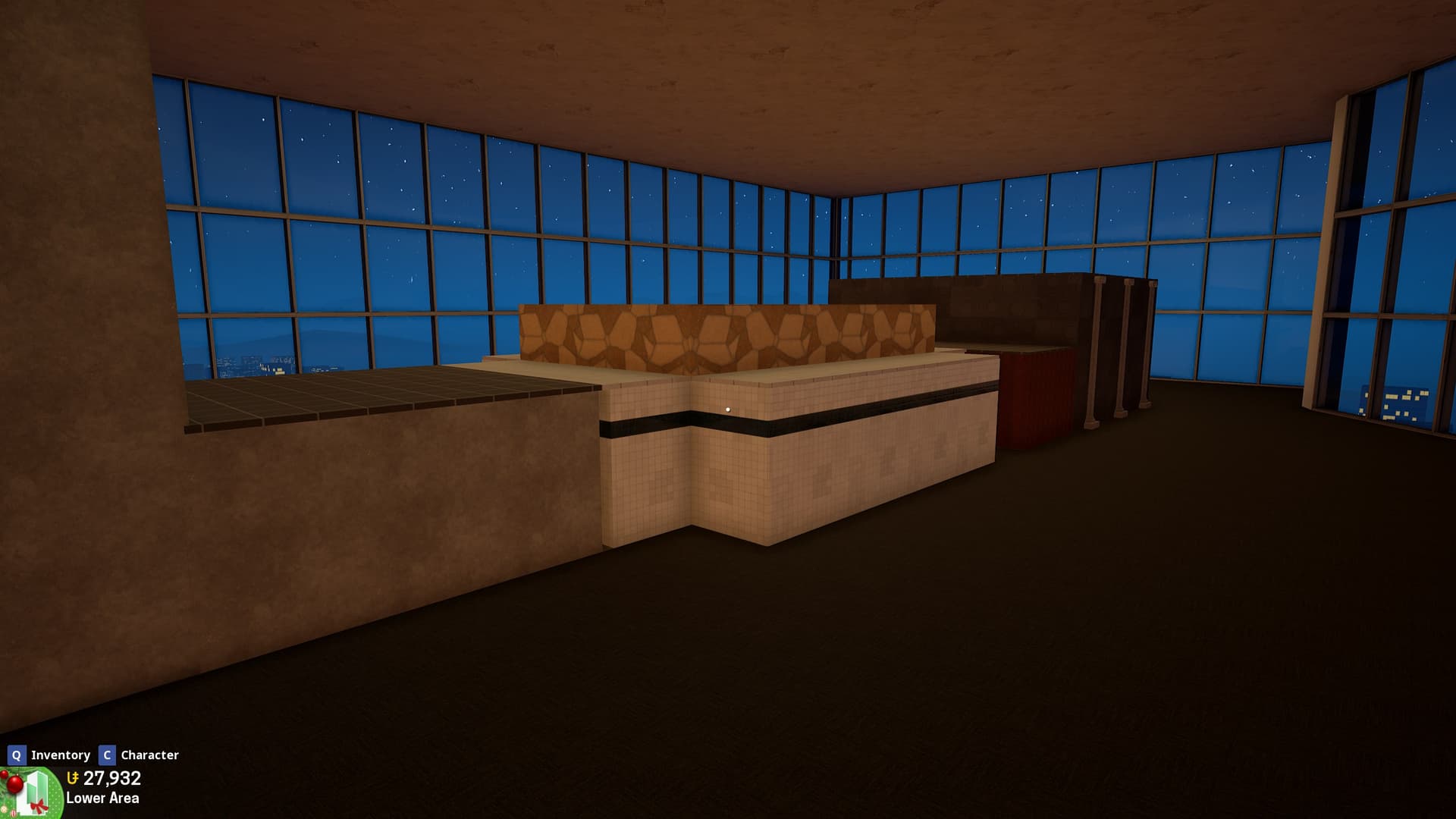
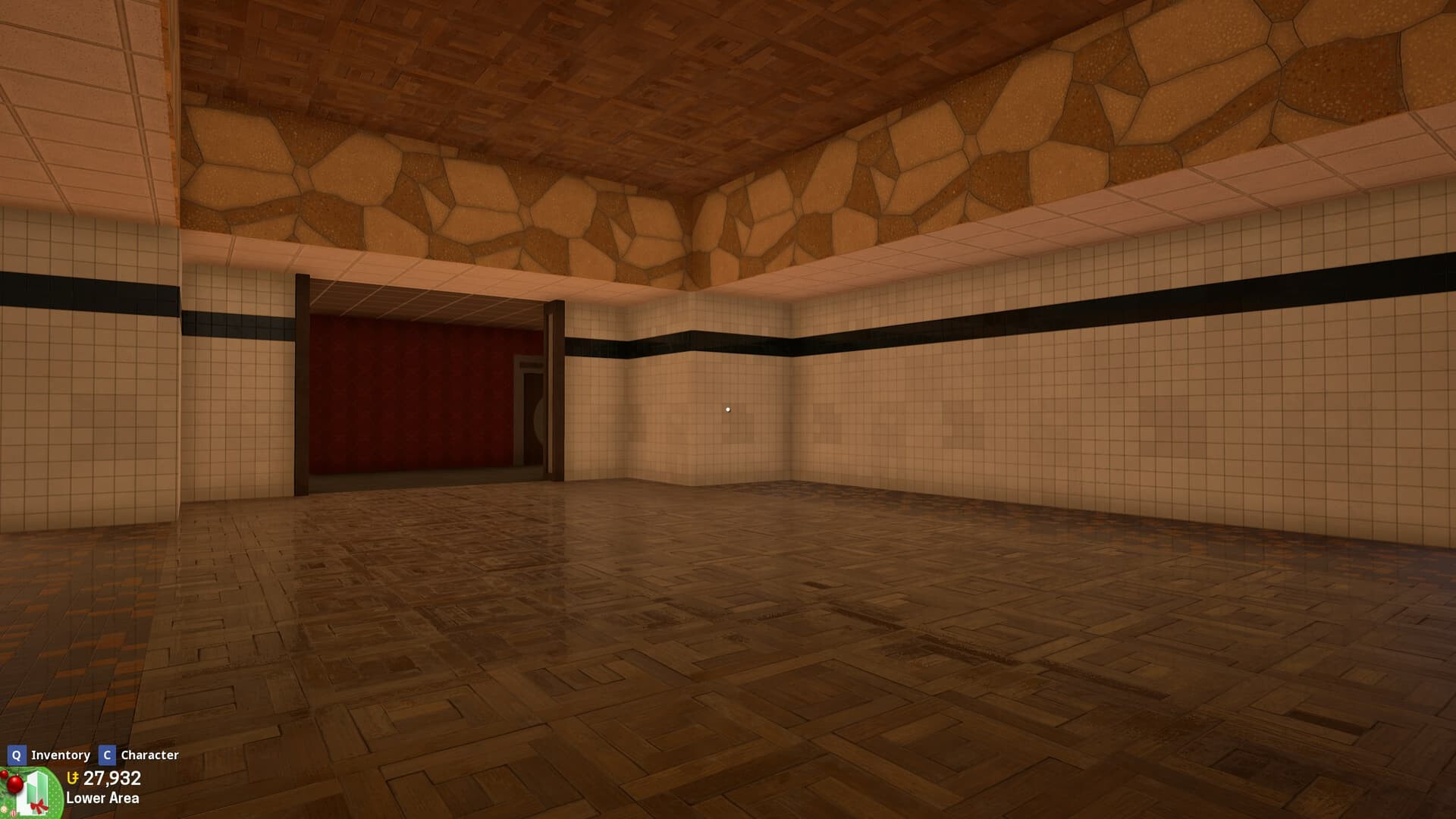
Condo Lighting is still very much all over the place
Various different lighting type items don’t illuminate their surroundings at the same magnitude despite their radius and brightness being set to identical values (Example: Bedside Table Lamp’s effectiveness is pathetic compared to Modern Lamp)
Some radius sliders appear to be soft capped despite having an exceptionally high hard cap
(Example: Casino Lamp has a visible soft cap of 1000.0 but can be set as high as 5000.0)
IES projections are either incorrect or aren’t properly aligned at all with some lighting items
Related threads:
I don’t believe this one was actually fixed properly
These were already fixed. Also, the contemporary wall light was actually set up like that because of Outsmoke specifically requesting it that way (to prevent it from bleeding through walls) lol, but I’ll just go ahead and undo that I guess.
If there’s any items that were actually missed, please report them.
Each time I walk around the coin pushers my fps go from 120 to like 20 if they’re active, and I have a pretty recent high end pc, you can imagine people with less specs struggling specially in Double Ticket events lol
Sometimes while hosting a condo, alt-tabbing or going in and out of menus can cause the chatbox, hotbar and Unit HUD to disappear entirely, I’m not sure how to accurately reproduce it, but I do know it can be recovered by toggling Advance Build Mode with the ` (tilde/backtick) key
As you are probably aware, the inflated prices on GPUs, RAM, and storage being caused by the AI bubble (tech corporations buying up the supply, manufacturers leaving the consumer market) means that most ordinary folk are now being priced out of upgrading or building a new system
This is not helped by people with older systems being locked out of upgrading to Windows 11 because of not having the TPM chip and being hesitant to migrate to Linux
This means that some development hours should be allocated to optimising the game and fine tuning performance
 Bugs we are actively working on