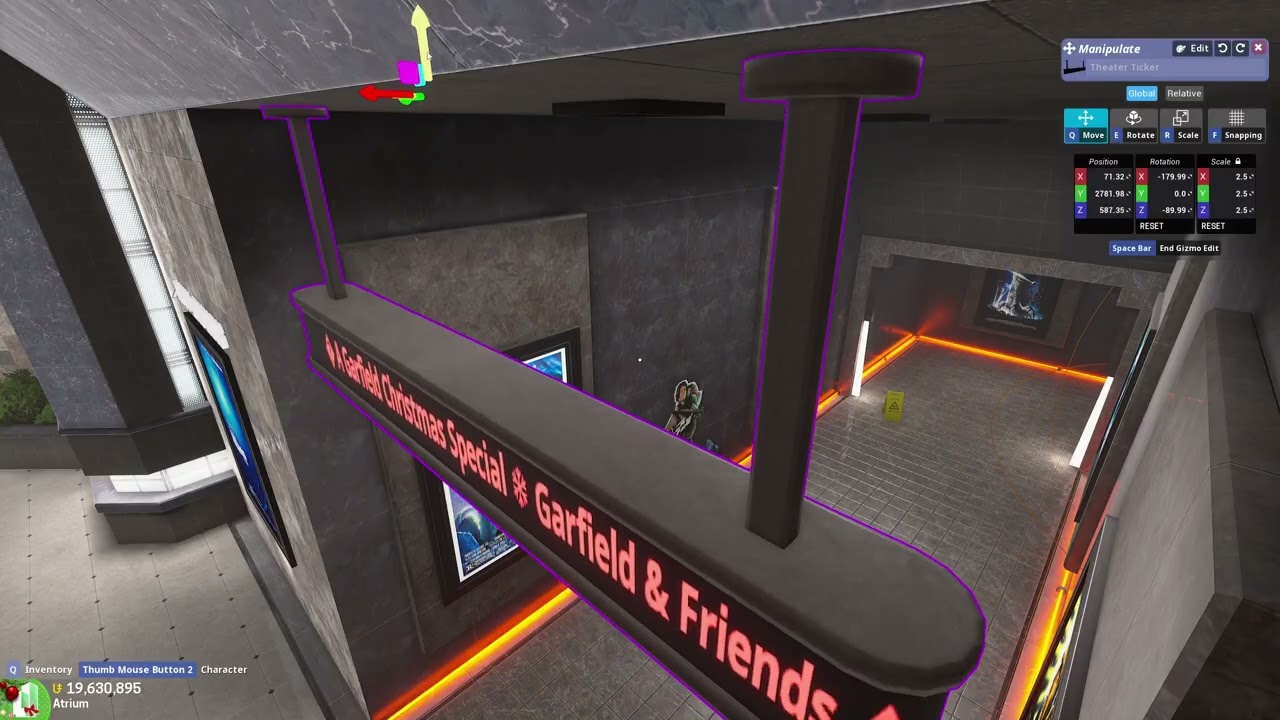
Sometimes when using the draggable Move/Rotate/Scale arrows around an object, it’ll get stuck active even after letting go of LMB and need double-clicked to get out of. This often leads to getting an object in the right spot that you want, letting go of LMB, and not realizing it’s still active and screwing up the position.
Mac we talked about this a few days back in the Discord, I figured out what’s causing it, or at least the main method that this bug occurs. It isn’t related to using multiple monitors either! It’s from clicking into one of the X/Y/Z values in the top right Manipulate box and then clicking onto one of the draggable arrows.
Steps to Reproduce
- Place object and click on it to bring up the Manipulate box (as well as making the draggable arrows visible)
- Click onto any of the X/Y/Z value boxes in the top right Manipulate box
- Click and drag one of the Move/Rotate/Scale arrows that’s surrounding the object
- Let go of LMB, see that the arrows are still active and it needs another LMB click/unclick to deactivate.
What I expected to happen
Letting go of LMB to always deactivate the arrow that I’m dragging.
What happened
The arrow stays active until I press and release LMB one extra time, or I unclick out of the Manipulate’s X/Y/Z value box before using the draggable arrow.
Notes / Media
During this video, each time I move my cursor left/right I’m signifying that I’ve unclicked LMB (or click/unclicked LMB to get out of it when it’s bugged) since I don’t have any fancy overlay that’d show what keys are being pressed.