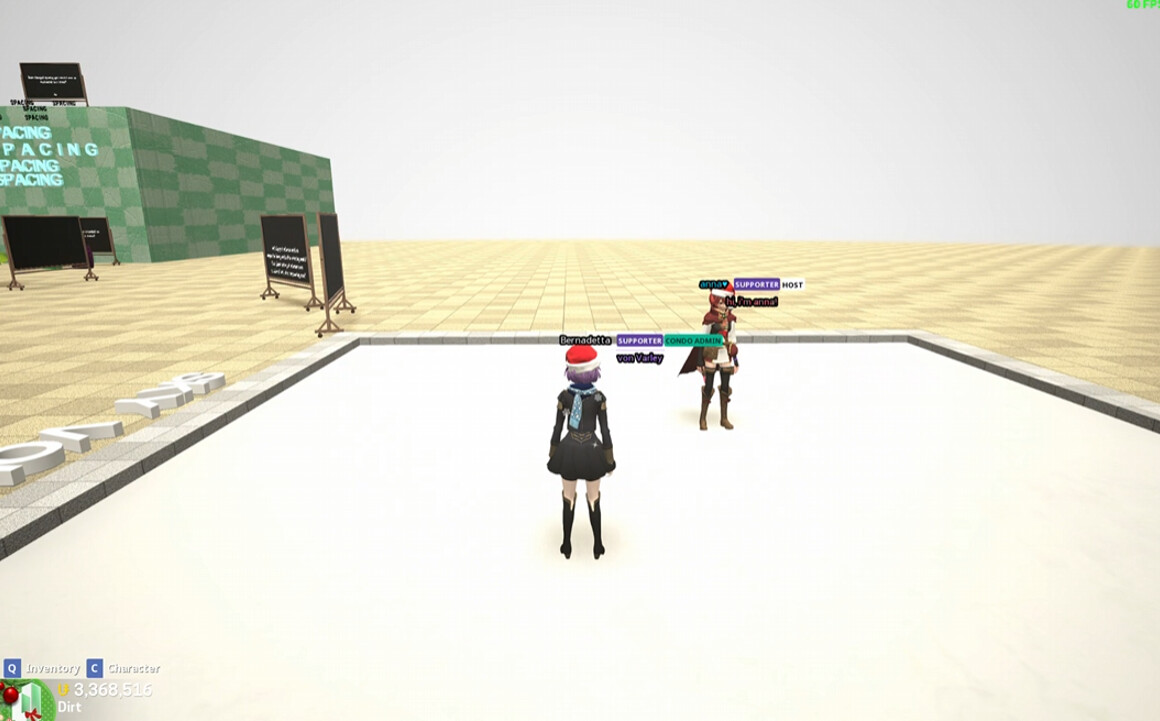
HUGE thanks to Bernadetta for helping me bug test all of this. For a long time, whenever I and friends use sky volumes, I notice we weren’t experiencing same atmosphere because a few options aren’t synced for multiplayer. We streamed each other’s screen + shared screenshots and we always notice that something was off so I tested everything to find the cause.
It’s the two properties: Fog Intensity and Fog Color
Fog Intensity and Fog Color options doesn’t work in multiplayer. If you edit them as the host, nothing happens for everyone else. Respawning won’t fix the issue, they simply don’t see Fog Intensity and Fog Color effect/changes.
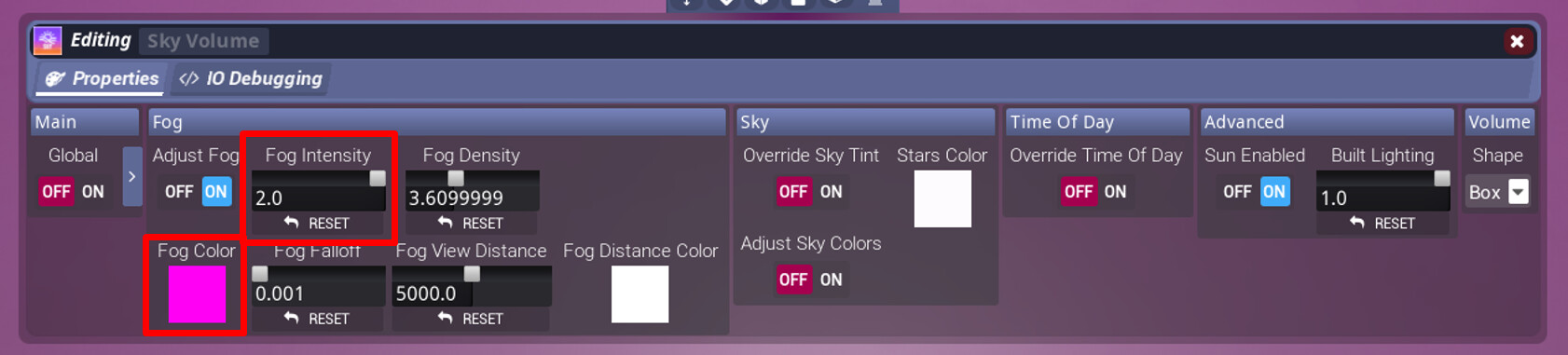
Steps to Reproduce
-Enter your own Condo with a friend on discord
-You and friend should stream each other’s Tower Unite in order to see which properties are synced
-Place Sky Volume
-Edit Fog Intensity / Fog Color and watch your friend’s screen, notice that Fog Intensity / Fog Color doesn’t update nor show up on their screen.
What I expected to happen
Fog Intensity and Fog Color fully working and appear synced for everyone else in the same Condo session.
What happened
Fog Intensity and Fog Color options aren’t synced; make changes to them as a host and they simply don’t show up for everyone else
Notes / Media
I made obvious changes to Fog Intensity + Fog Color for this.
Here’s a screenshot of my screen and Bernadetta’s screen.
My screen:
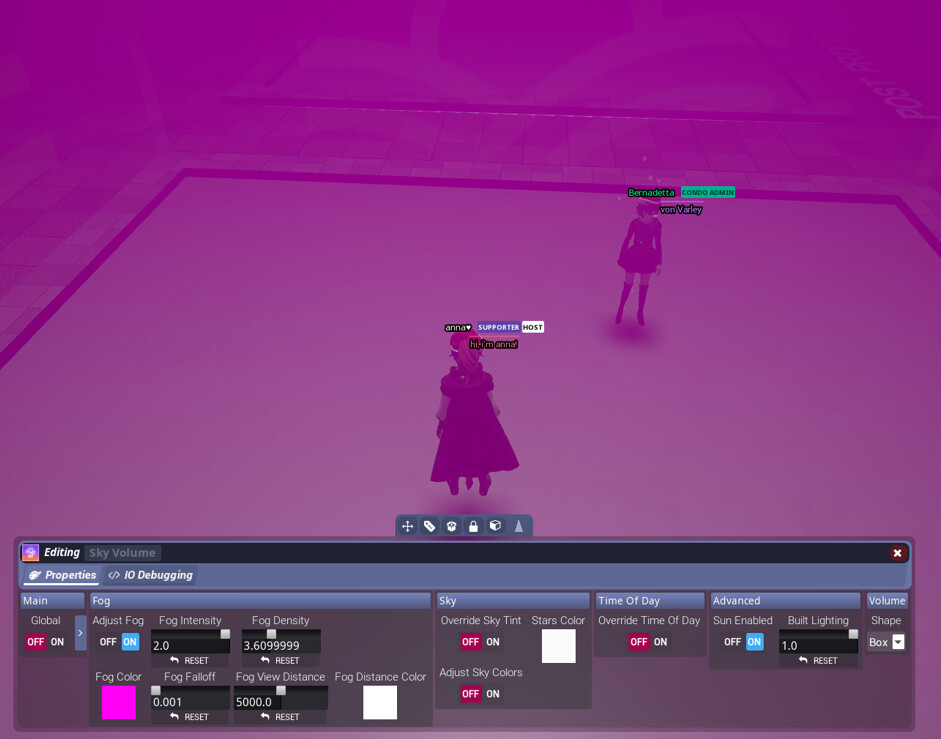
Bernadetta’s screen