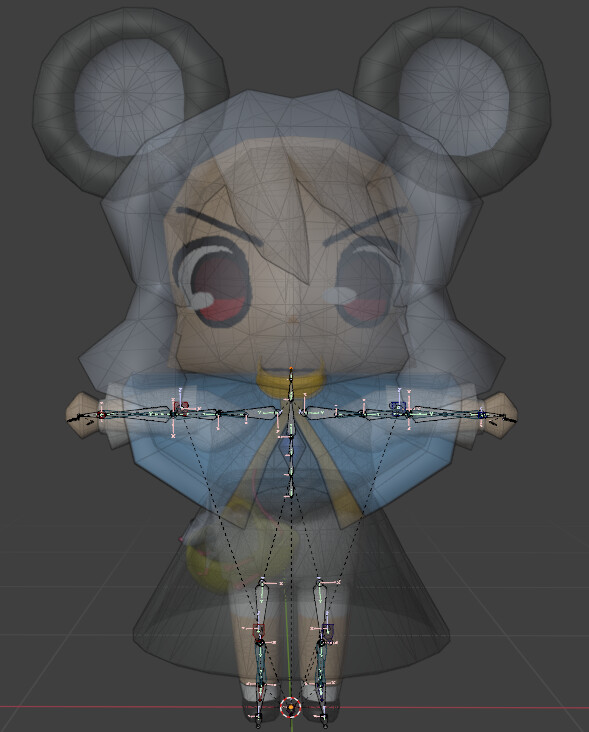
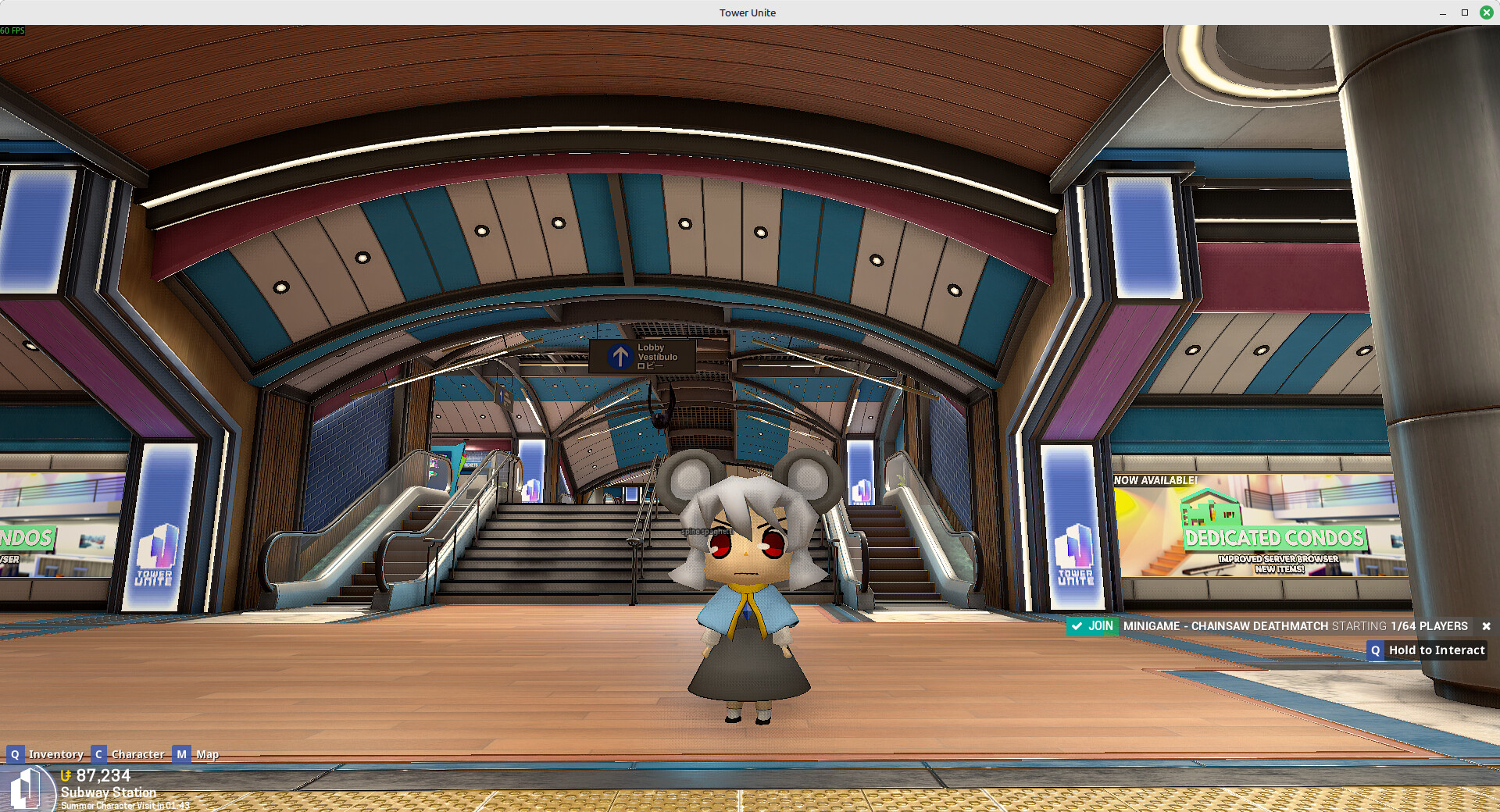
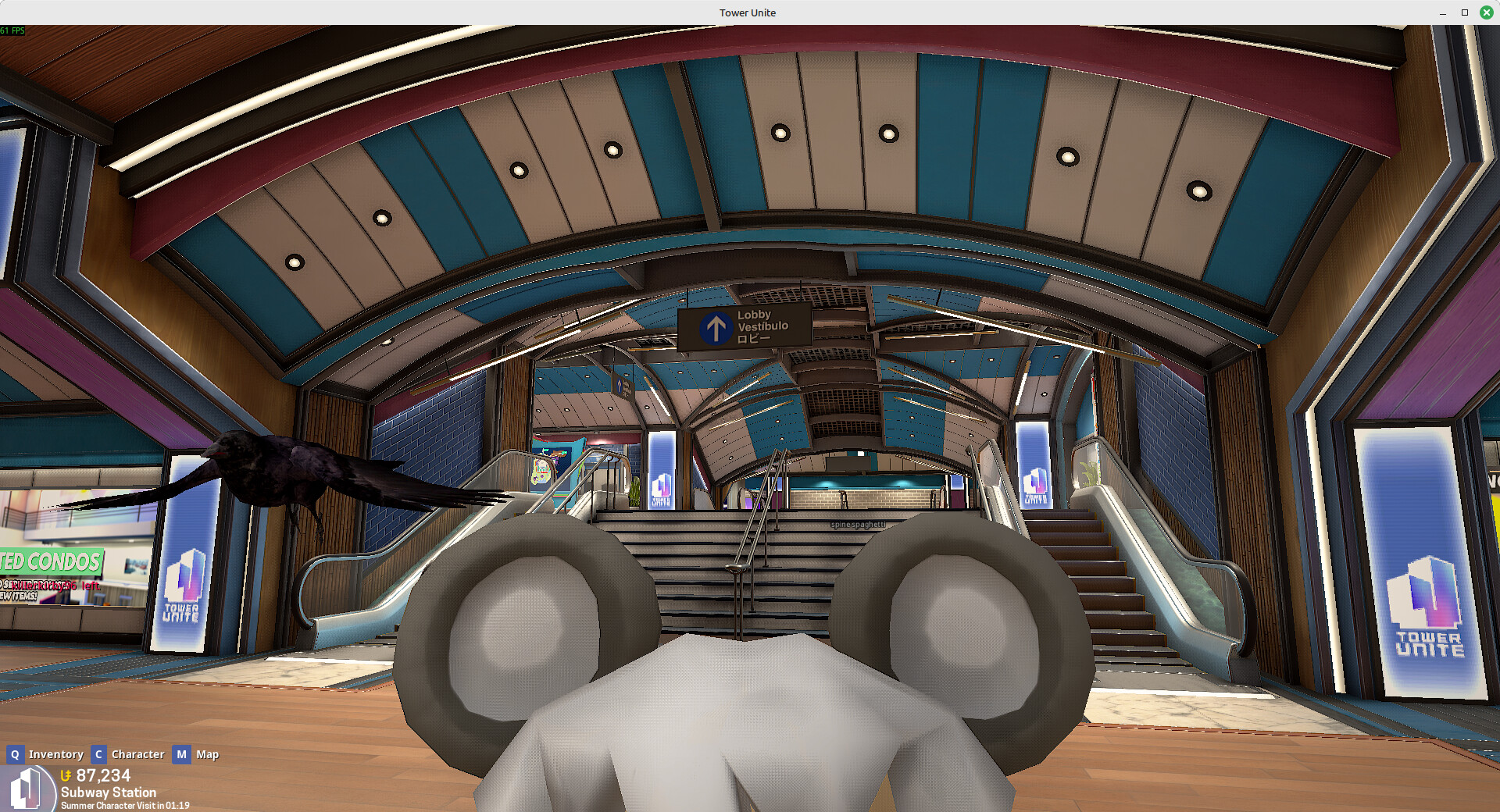
I’ve created a custom model and uploaded it to the workshop. The rigging and imports all work properly, but I can’t figure out how to set where the camera goes. The perspective is always a bit above the head, even if I scale the model up or down before importing.
Is there a bone or something that sets the position of the “eyes”, or maybe a slider in the metadata menu that I’m missing?
This looks like intended behavior, the camera being tied to the Head bone and adjusted. Your model has a really big head.
PixelTail would need to add that functionality to their Workshop Rig or the Player Model editor in game, I think this would be for Workshop Model Suggestions
I thought I understood what you meant, but adding a new bone to the Tower Unite rig seems to prevent the model from importing properly. What do you mean by setting the eye bone? Is that something done in Blender or in the Tower Unite importer?
In the “My Imports” menu, at the bottom right there is a scale ruler, the eyes of your model line up pretty well with the top of the ruler. I like to scale my model and their skeleton up in blender and keep re-importing until it lines up and then use the player height slider to adjust their height to be small afterwards.