
I made a post about this being a Physical Media bug, but it’s more of a screen state issue.
I have made this fresh post because after EXTENSIVE testing, I’m going to detail the issue, replicating it, and how I work around it at the moment.
The Bug: For those new to the discussion, this is referring to visiting players adding a video to a screen while in a condo and only hearing audio, but getting no video.
References for explanation below:
(These states are from host perspective)
Screen State 1: Screen off, completely idle, nothing loaded on it.
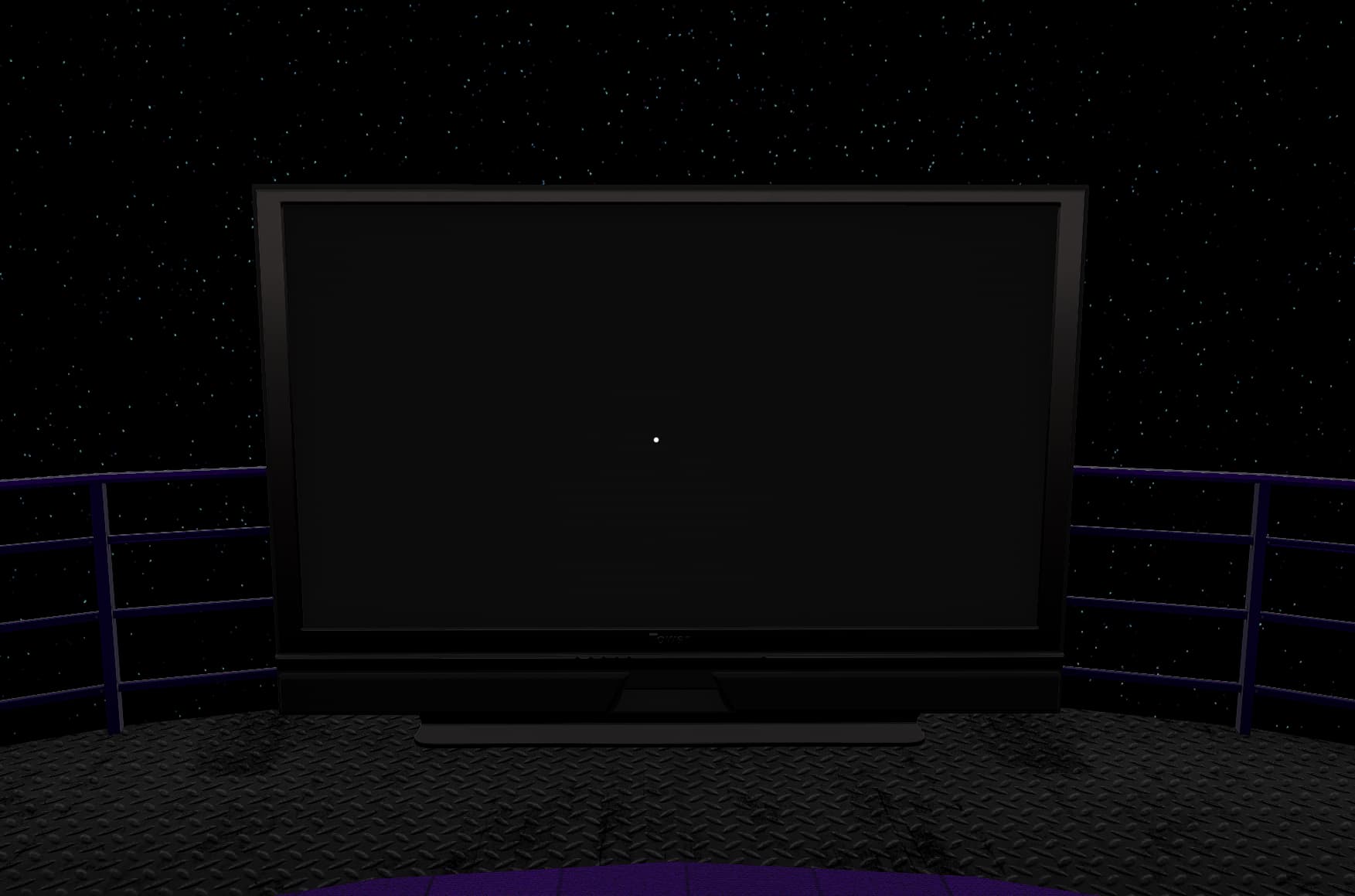
Screen State 2: Screen off, green light on signaling media is loaded on it.
(Note: This is a webm. With YouTube videos, this state will have the YouTube thumbnail on screen)
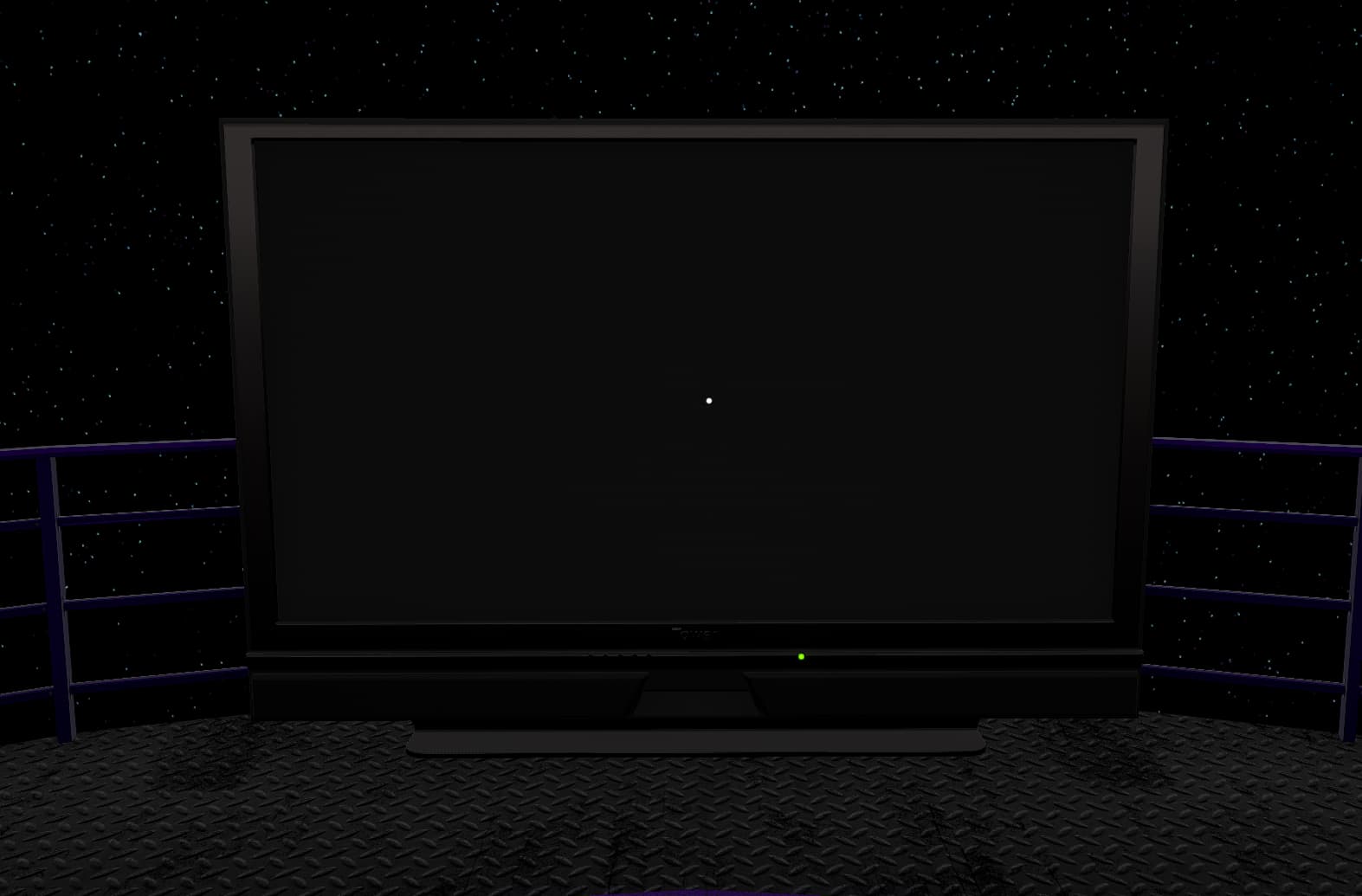
Here is ALL the information I have in one place. The scenario is a turned off, unattended screen with me typically AFK.
-
Players joining and adding a video to a screen in State 1 will encounter the bug of audio but no video. If the host joins the screen (by either manually turning it on or entering an attached Media Volume), the screen will fix itself and the video will start streaming for them when it turns on for the host.
-
This bug happens regardless of if the screen is turned on by hand, Media Remote, or Media Volume.
-
This bug happens with both manually added links and Physical Media Tapes.
-
This bug does not effect screens that have a media playlist saved on them. They load for clients fine without the need for host intervention.
-
If the screen is in State 2, players will be able to turn it on and watch what’s playing without issue. They’re also able to skip vote and add media to the screen by hand or via Physical Media Tapes without issue.
-
If the host loads a video onto a screen, then turns the screen off while the video is playing, it puts the screen in State 2.
-
If the host leaves the screen turned off, after the video loaded on it concludes, the screen stays in State 2, as if it’s still playing something.
-
While in the above State 2 after the video is completed, if the host turns the screen on either by hand or entering Media Volume, the screen will then realize it’s empty. If turned back off without adding new media, it will revert back to State 1 and players will experience the bug on it again.
-
While this is a widespread issue, there HAVE been a few occurrences here an there where 1 or 2 players won’t experience the glitch, but even then, they could be fine on a screen and another player joins and gets the bug on the same screen trying to join them. So while it’s a major issue, it’s technically not 100% everybody being effected, and once out of however many times it will work.
Work Around (For other condo owners): So what I’ve been doing in my media tape condo is when I load it, I run and throw a tape on every screen, let it start playing, then turn them off, essentially “priming” the screens. I leave them off for me and they function fine for clients as long as I don’t turn them on then off while they’re not loaded. If I turn one on and see it’s empty, I’ll throw a new tape on it before turning it off to keep it in State 2.
Conclusion: So this is obviously a screen state issue, where the functioning of the client’s video feed is reliant on the host’s connection to the screen. It’s odd playlists aren’t effected, but that leads me to believe it’s like the TV syncing issue used to be, where maybe files loaded onto the screen BEFORE they join are fine, but ones after don’t work right on idle screens? The playlists don’t put it in State 2, as there’s no green light on those screens when the condo loads. Whatever happens when a saved playlist screen loads needs to happen when clients add a link, or even just automatically to every screen.
Future Problems: Seeing as with dedicated servers, the server box is the host connection and the server owner is basically a client with admin privileges, I can see this being a HUGE issue when Dedicated Condos come around, seeing as even the server owner might not be able to add videos manually.
That’s it. That’s all I’ve got, after over a year of testing, troubleshooting, and finally being able to at least control it, I can go no further. Every factor has been tested, repeatedly, 24 hours a day in my condos, and there’s simply no more data to collect on this bug from the client side. Please fix it.
- OuTSMoKE