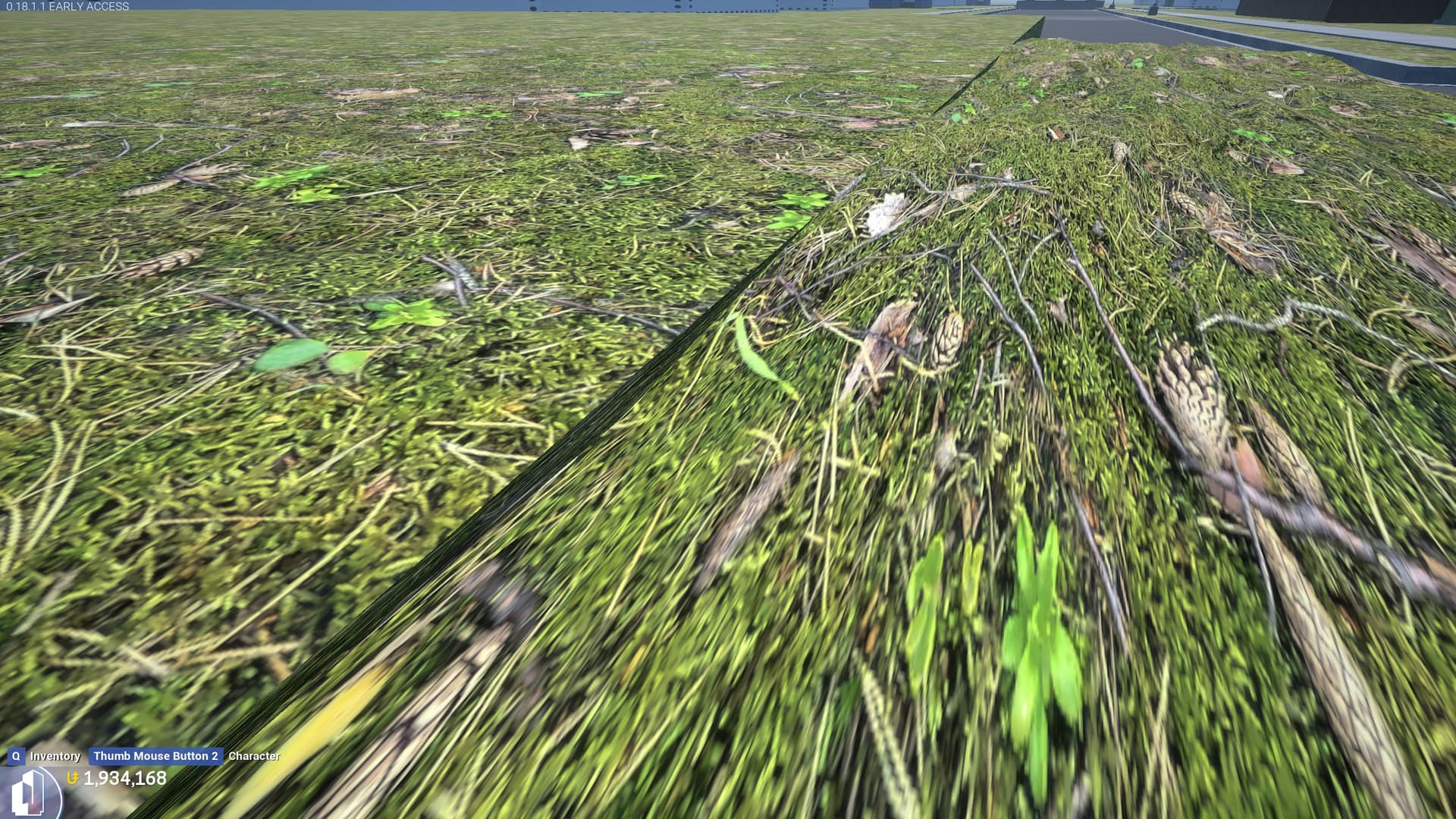
Quite a few surfaces under the Natural category don’t allow you to enable World Align. This includes most of the Grass surfaces, which leads to a lot of texture stretching issues if you need an uneven floor of grass (like something that isn’t evenly square/10x10).
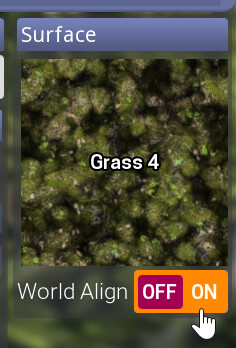
Grass & Stone 1-3, Grass 3, Grass 4, and Grass 5 all do not allow the World Align setting (which especially sucks cuz I like how Grass 4 looks).
Additionally, these ones under the Natural category are all affected:
Blood, both Flesh surfaces, Hay, Ice (but not Dirty Ice), Ice Transparent, Iceberg, Igneous Rock, both Lavas, Moss 1 and 2, Mud, Rubble, Sand, Sandy Rock 1 and 2, Slime, Smooth Rock, and Snowy Rock (the one with a dark thumbnail, not the white one with the same name).
I’m not sure if this is also related, but if you create a canvas cube with a smaller shape (ex. 10x5) with one of the affected grass surfaces, like Grass 4, it becomes uneven, bumpy, and becomes impossible to line up with other surfaces next to it. The surface only becomes flat around 20x20. This makes it very difficult to fill small gaps in the ground when making anything that isn’t a square layout, like for example a roundabout or a culdesac. I’ve included a screenshot below of this issue as well. If this is intended, then a setting under the Edit menu to disable this would be greatly appreciated.
Steps to Reproduce
Place a Canvas Cube, set the surface to one of the previously mentioned surfaces like Grass 4, and try to enable the World Align setting.
What I expected to happen
Being able to use the World Align setting so that the textures don’t get stretched out when I need a surface that isn’t even like a 10x10 square.
What happened
The setting is forced off no matter what.
Notes / Media
World Align locked to off with certain surfaces:
Weird bumpiness when using certain surfaces like Grass 4:
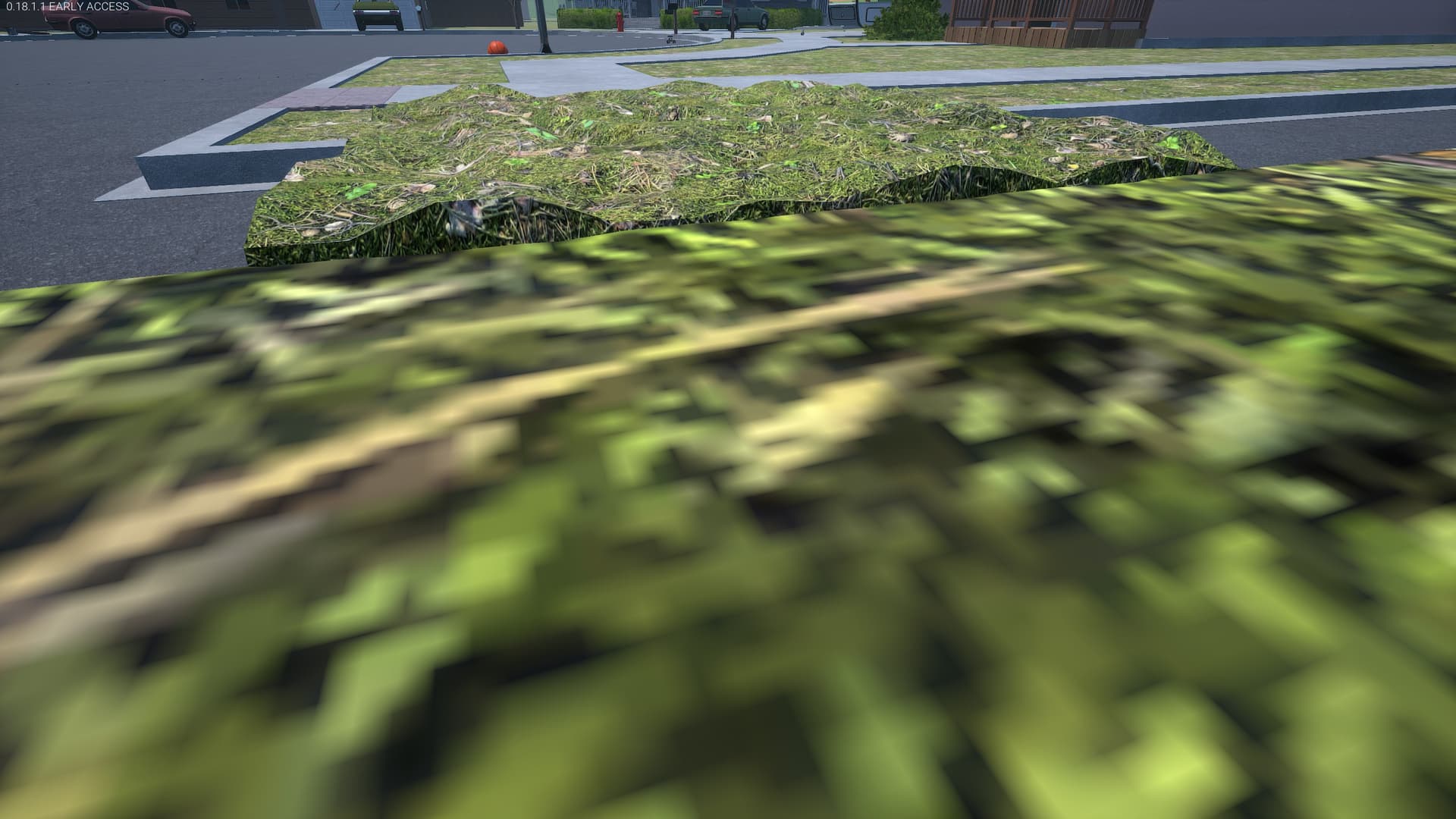
You can see how it’s impossible to line it up vertically when it’s like this: