[I found a way to make changes of the graphics options save]:
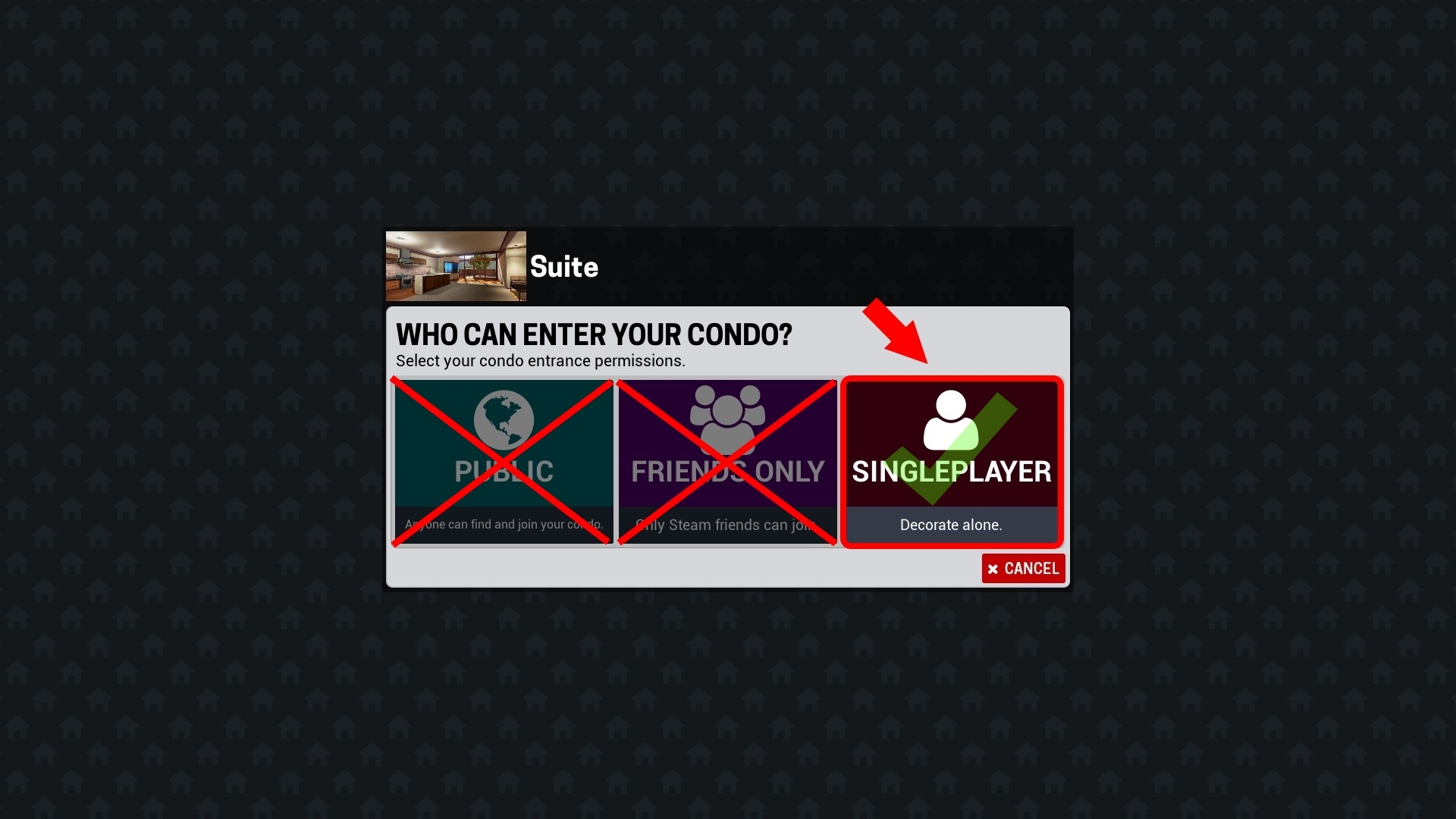
1st. Go at your condo at singleplayer mode
2nd. Go at options menu
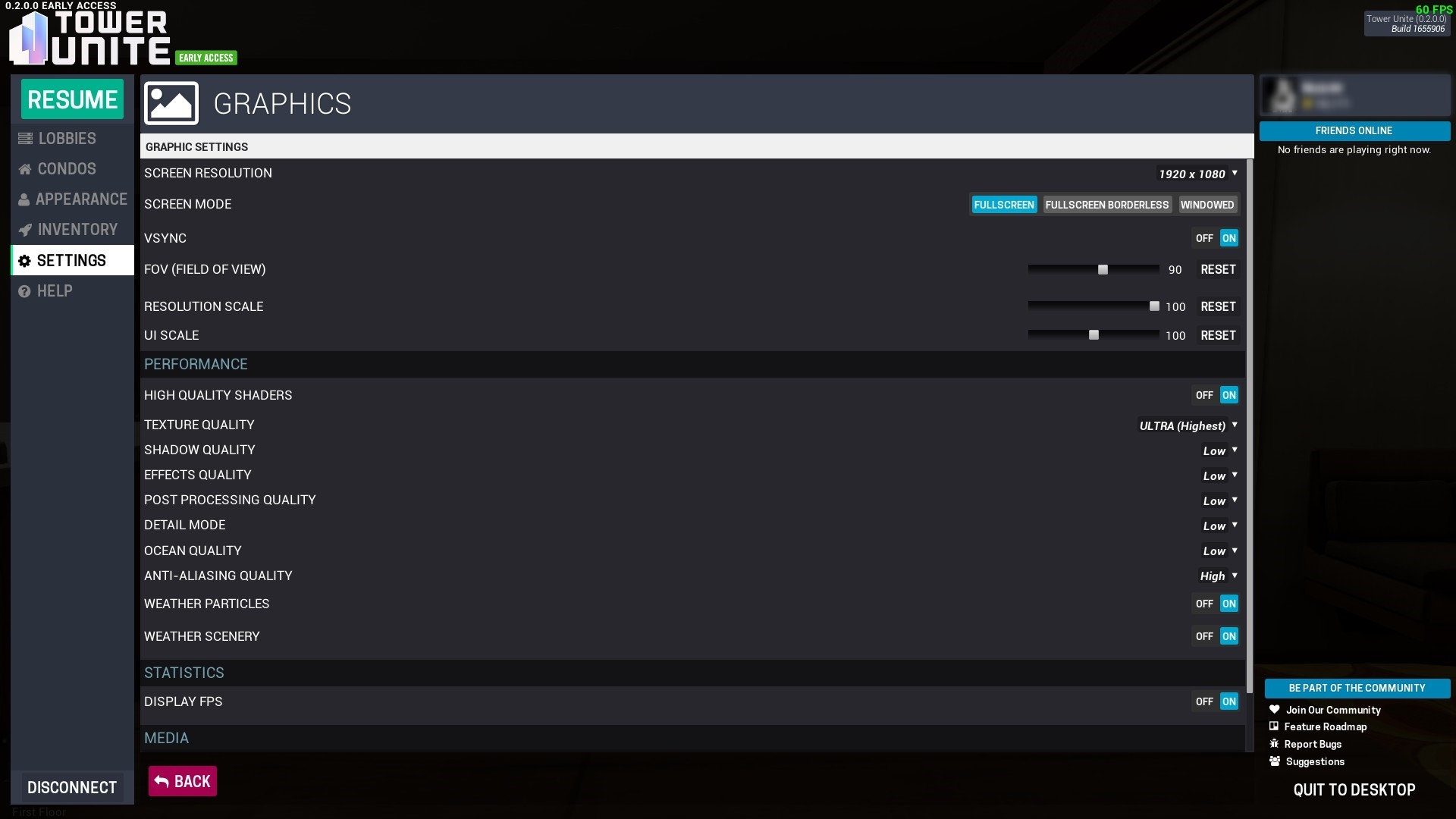
3rd. Do your changes (do not set on/off vsync when you are inside a game i mean playing at your condo/lobby it will make you crash)
4th. Do not click [Apply/Save] button but click the [Back] button

Well for me it worked.
Hope i helped and sorry for my bad english.