Game Version
1.1.7.0 (latest/Halloween Part 2)
Summary of Bug
I have a condo snapshot that is 99MB in size.
I learned here that beyond that value, Steam Cloud doesn’t save, and you have to save it manually yourself.
Since Id like to continue building that condo,
I press the “Load from file” button, choose the backup I’d like to load, and wait.
…and wait.
…and retry.
etc etc.
Essentially, the game freezes on the main screen and nothing happens for well over half an hour.
At that point, I close the game and go do something else.
On my fifth attempt in two days, I’m pretty sure it’s a bug; after all, loading a backup locally shouldn’t take 30 minutes when loading it from snapshots only takes 2.
Steps to Reproduce
- Have the need to have to manually save your condo
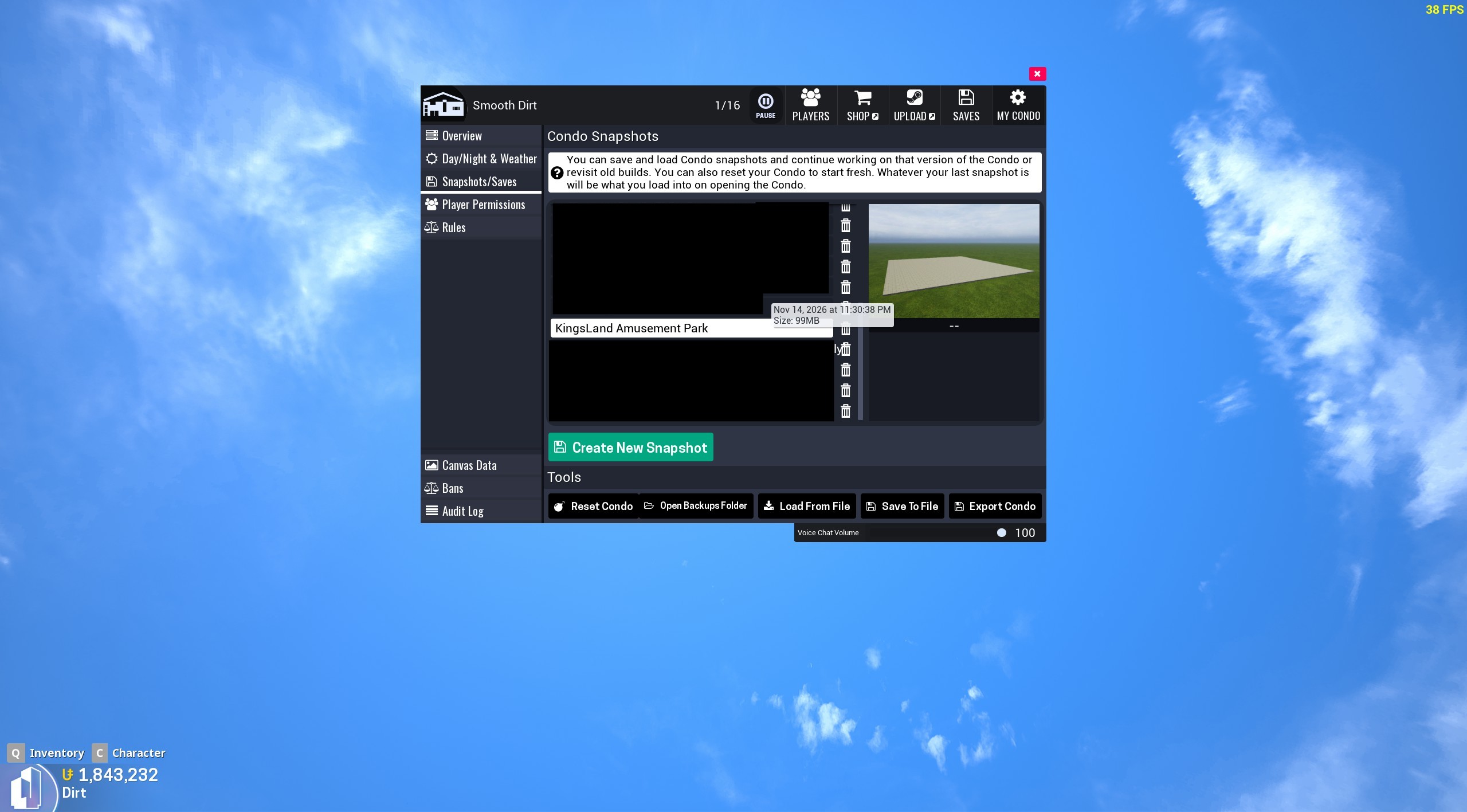
- Save a Condo backup manually (in this case, I called it “Kingsland Manual Save”
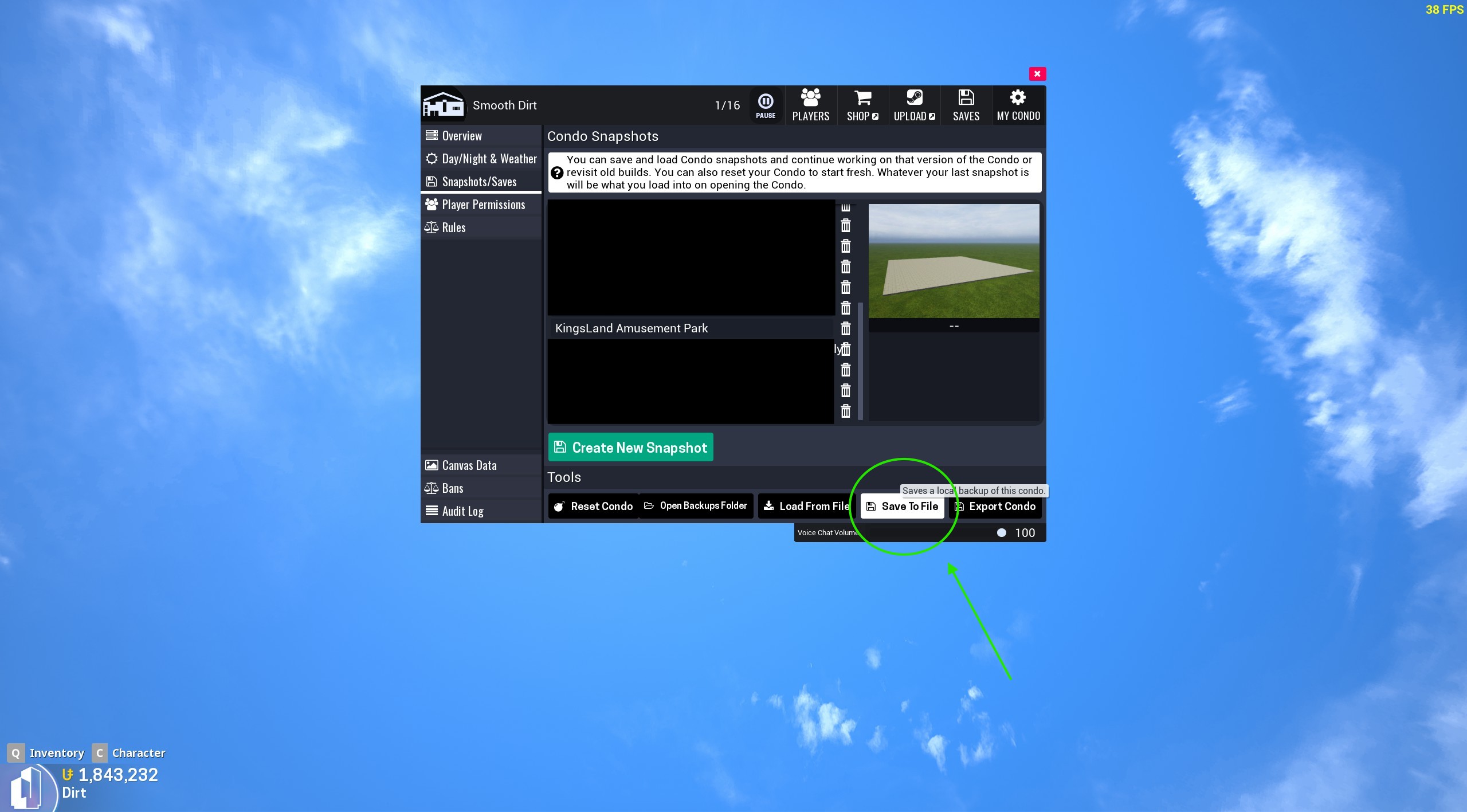
- Press the “Load from file” button. The game will ask if you want to save a snapshot and whether you are sure you want to proceed; select “no” and wait for the File Explorer window to open.
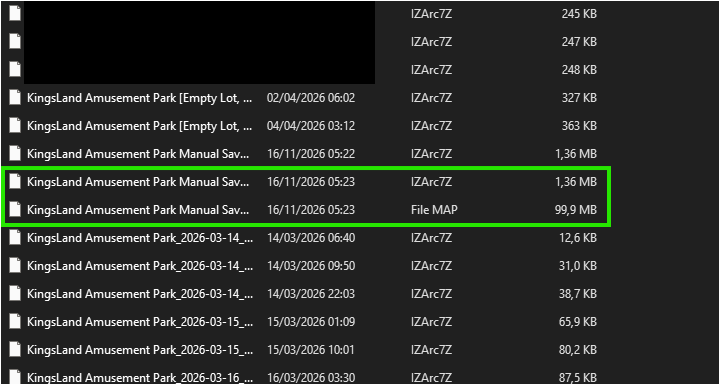
- In the window, scroll through and select one of these files (which one? I’ve tried with both the .zip and the .map files from 5:23, and nothing seem to work with both!) - If I have to choose the most recent version, I’ll go with the one from 5:23 over the one from 5:22.
P.s. In this image, there is a third file that was saved a minute earlier; I created it as a test to see if it would save the differences. The 5:22 file theoretically contains everything saved up to the second-to-last addition; the 5:23 file should include an extra canvas cube i added to check if it would be saved before proceeding further with the build. Its not like the game saved a third file on its own. I did it.
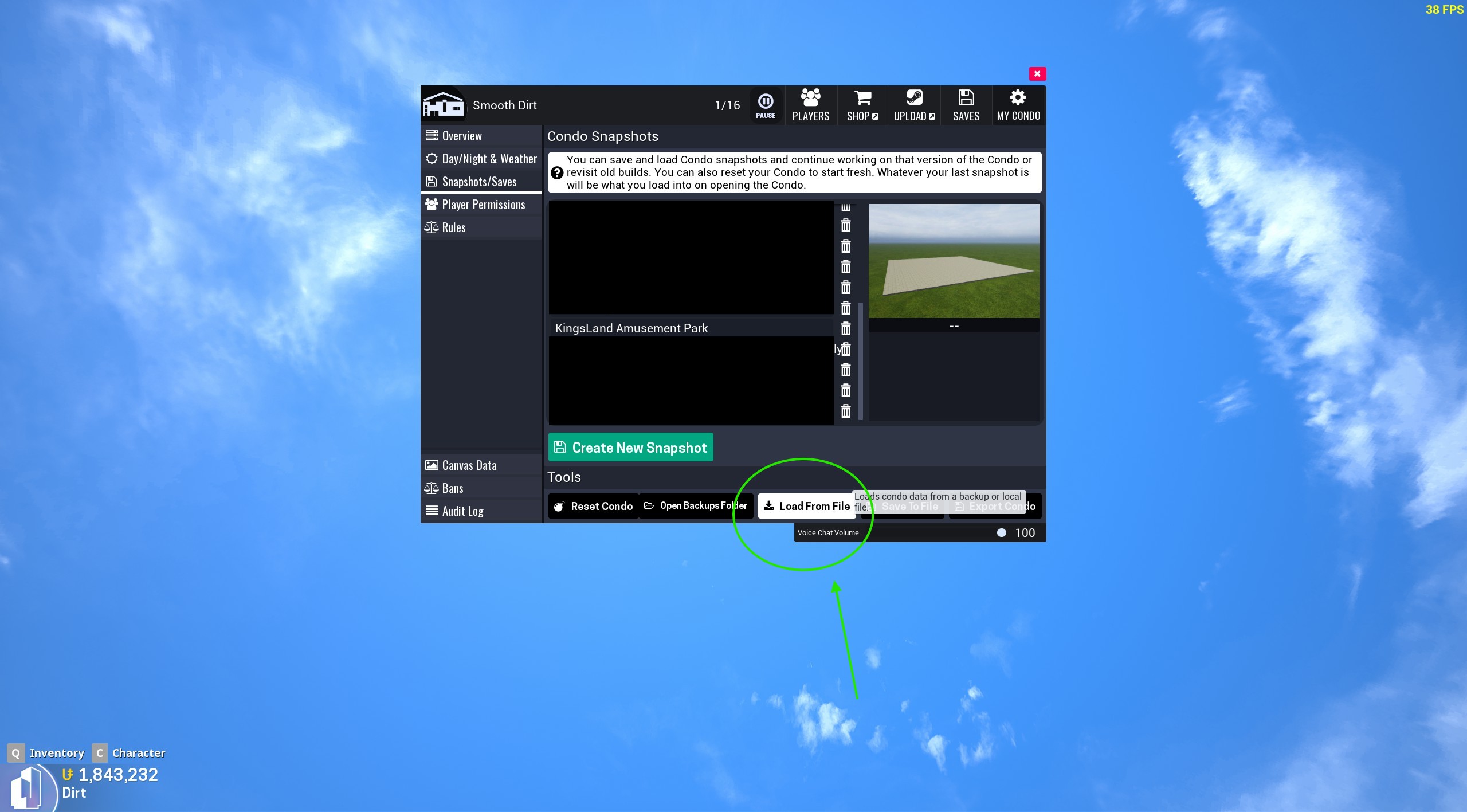
- Here is what happens for (at least) the next 30 minutes after selecting one of the two files—the .zip or the .map.
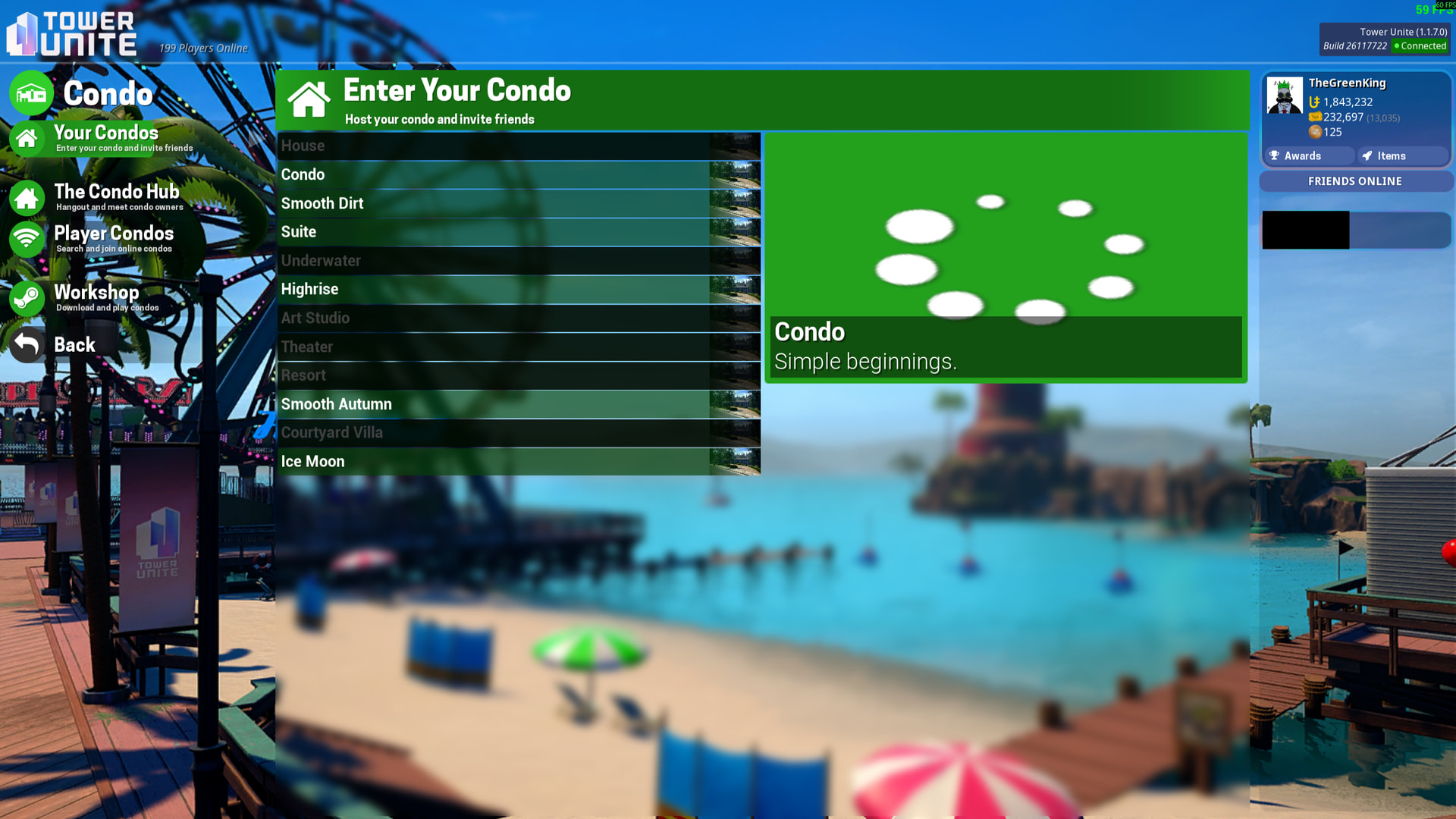
The game gets stuck on this screen with no way to interact; there is audio, but it’s from the condo I was in when I manually selected the file. The image that appears to be “loading” in the screenshot is actually static.
What I expected to happen
Since loading a snapshot from the in-game menu usually takes me less than two minutes—a very reasonable amount of time—it seems quite strange that I have to wait an indefinite amount of time every time I try to load a condo this way; I therefore suspect that there might be some kind of bug, or perhaps I am using the wrong saving method.
What happened
Confused, I wait for 30 minutes—timed by the clock—each time I try, and then, sadly, I close the game via Steam, realizing that it’s impossible to interact with it.
Notes
I might be doing something wrong when uploading the condos this way; after all, it’s my first time trying to do it from here. If that’s the case, could you point me toward a page that clearly explains the process? I haven’t been able to find one anywhere, and personally i feel like this system is less user-friendly than the in-game snapshot feature. There’s no information provided on the Tower Unite Official Guides website, either.
Furthermore, what I have been told here:
Past 100mb, Steam will refuse to save the files to the cloud. You will have to use manual snapshots every time you load up the condo.
I don’t think this is written anywhere in the game. It might be worth adding this information somewhere; I wasn’t aware of it and ended up losing a fair amount of progress between sessions. 
If you’re not careful, you might end up exceeding 99MB while building without even realizing it. It would be great to have a pop-up appear once you reach that limit—or something similar—explaining how to proceed from that point on, for example.
I think that’s everything; I hope I’ve made myself understood despite the translator. Thanks!
UPDATE: I tried loading that same snapshot (from the .map file) from within the default condo instead of from smooth dirt. It took less than 1 minute and it works; the map I created in smooth dirt did spawn inside that condo without any issues.
But if I then re-try loading the snapshot from smooth dirt again, the game freezes just as described above.
If I try to load it from Smooth Dirt but start from scratch (“Reset condo”), it works also in less than a minute. So, I assume the issue has to do with having to remove the entire condo first, and then re-loading it from the manual file? it’s quite confusing honestly haha
In any case, I think there’s something off about the way the game handles the file.
UPDATE 2: What I wrote in the update above works, but inconsistently. Only one out of every four times I try to load the file from a resetted condo does it actually work; the other three times, it freezes just as previously described.