Unsure if this is simply a visual bug but I feel like this should be still reported regardless- This bug is also very old and I only just finally realized it after experimenting with what makes it not working.
All that time I thought I didn’t set it up correctly but it turns out that wasn’t the case, it is really not working as intended all this time so I want to bring this to attention and for these workshop users that may not know about it.
Steps to Reproduce
-
Enter Tower Unite’s Workshop Editor.
-
Import any model that has translucent material included.
-
Hit “Translucent” on the material that is supposed to be translucent. (Texture must be semi-transparent)
If done correctly, texture itself appears all invisible. (Glass part on this model’s glasses)
At that point, I thought I did something wrong or that people would be discouraged from posting something with invisible texture which is why I think this bug needs to be brought to attention asap. I have no idea if translucent material will show up correctly after being published with invisible translucent material as is but I did find a way to make it appear correctly.
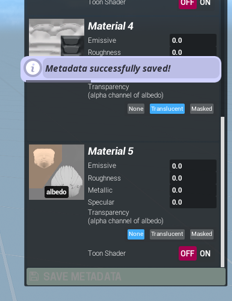
- Hit “SAVE METADATA” and re-import the same model with no changes.
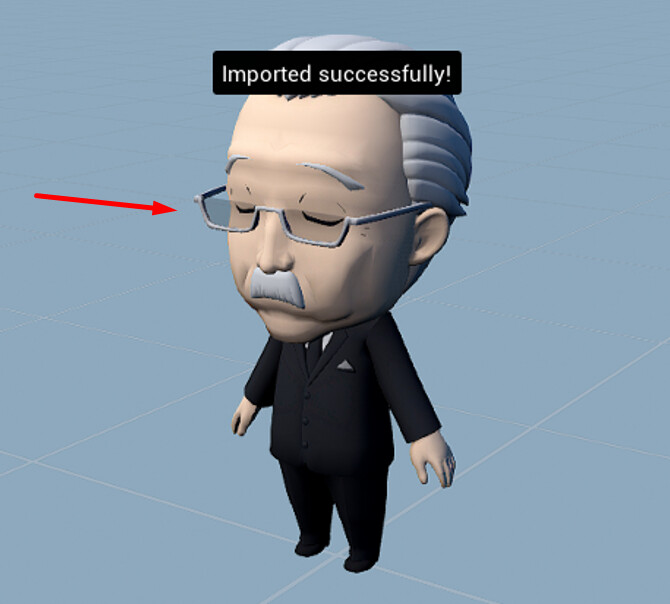
- If done correctly, you’ll notice that re-imported model now has translucent texture appears correctly.
Alternately you can also hit “SAVE METADATA”, select any other item you imported in the list of your imports on the left of screen then switch back to that one. That one with translucent texture now works properly.
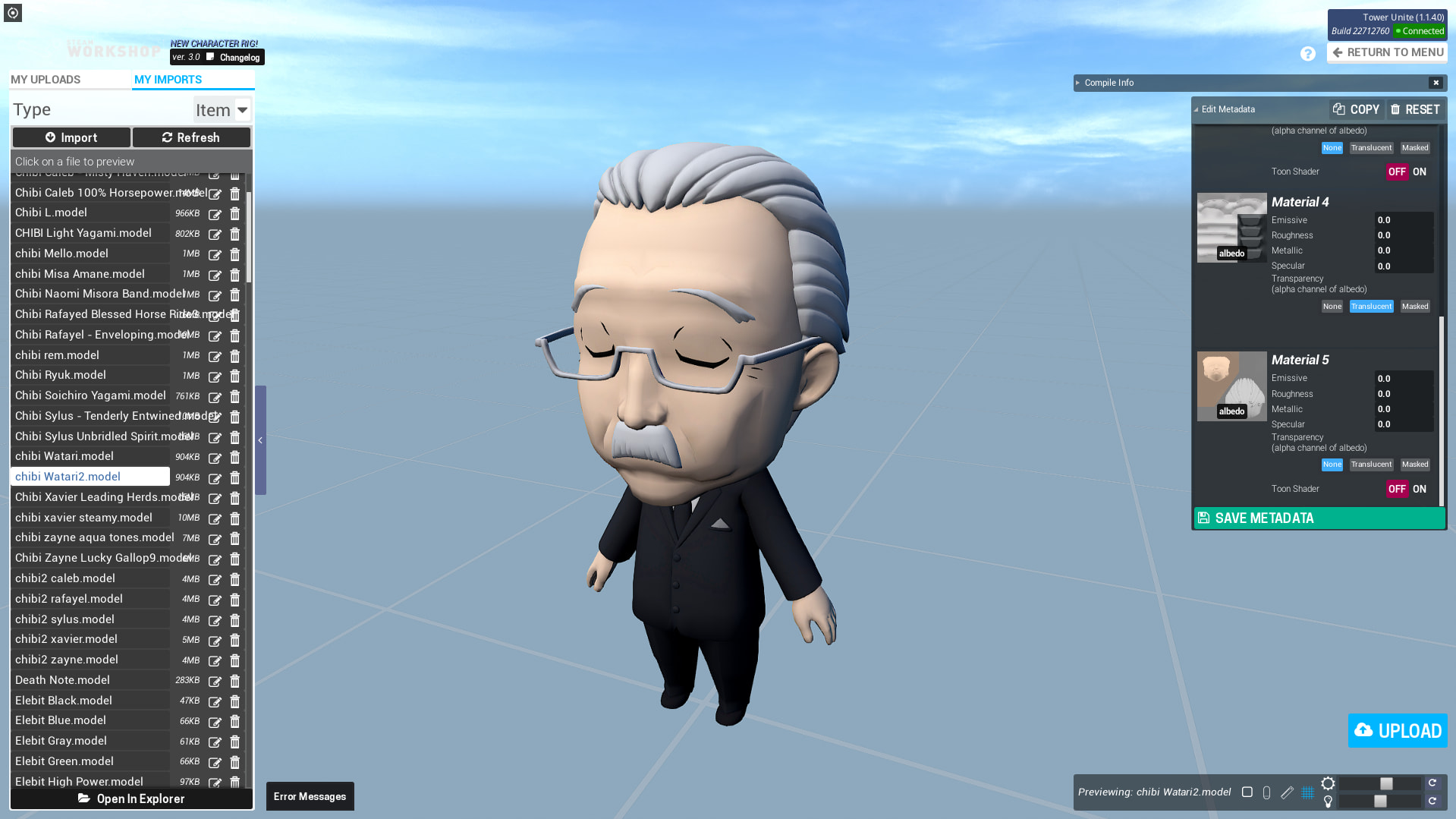
What I expected to happen
Translucent being enabled is supposed to appear translucent right away. (If texture is set up correctly and semi-transparent); having texture appears all invisible can be misleading and may discourage potential users from publishing their work that requires translucent material in order to look good.
What happened
Texture appears invisible instead.
Notes / Media
Here’s a video.