Important: Please include the version number of the game in the title! (for example: [1.1.0.1] Broken Feature).
The latest version is [1.1.0.1]
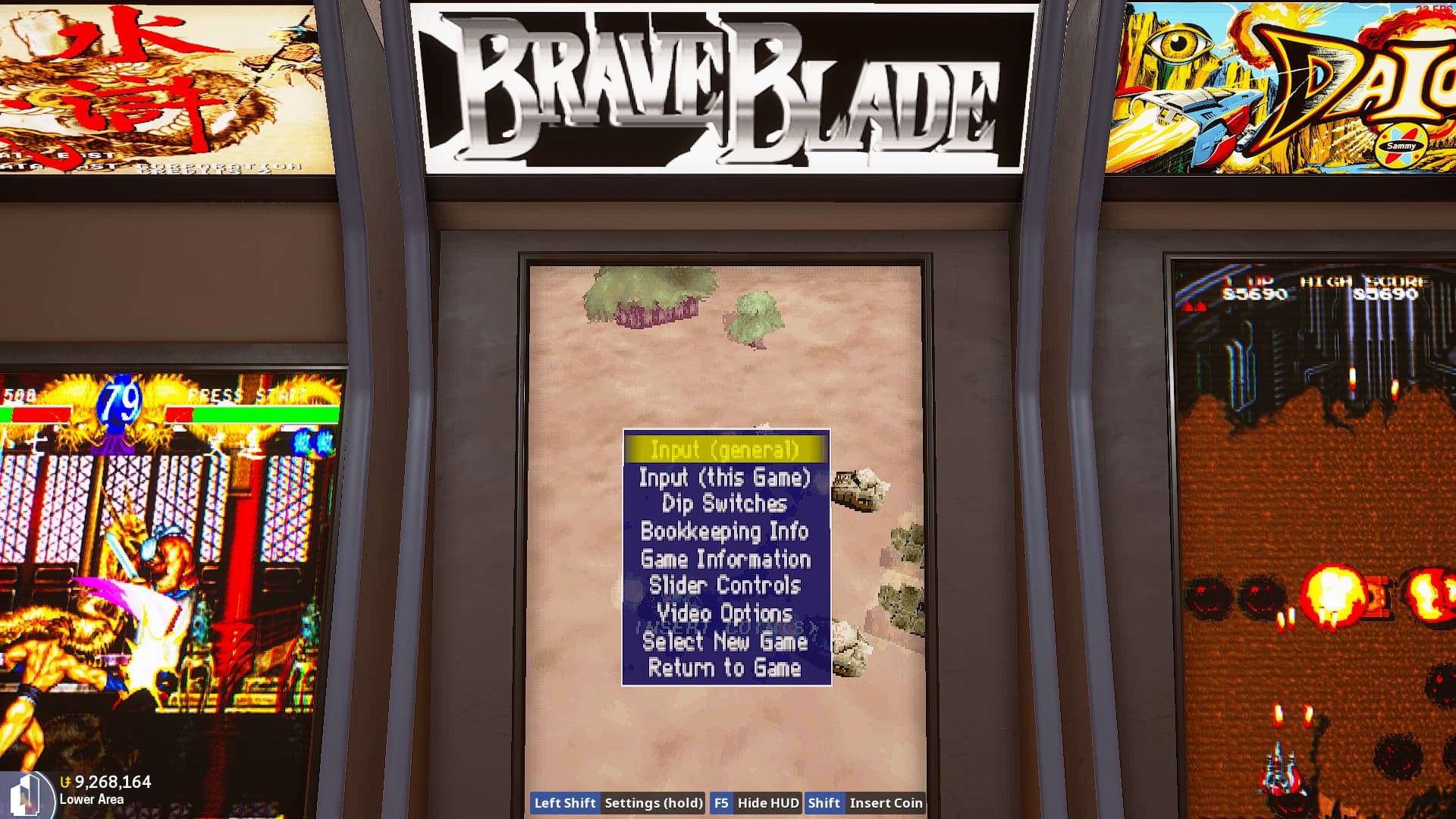
I always thought that the menu and test keys on MAME didn’t work. Until I discovered that they do work in some cases.
But strangely, in most cases they don’t work. So, I believe this is a bug rather than an unfinished feature.
Steps to Reproduce
First, the default menu and test keys are set to F1/F2, which conflicts with TU’s Libretro menu. So if you want to open the MAME menu, please set it to a separate key. eg. O,P
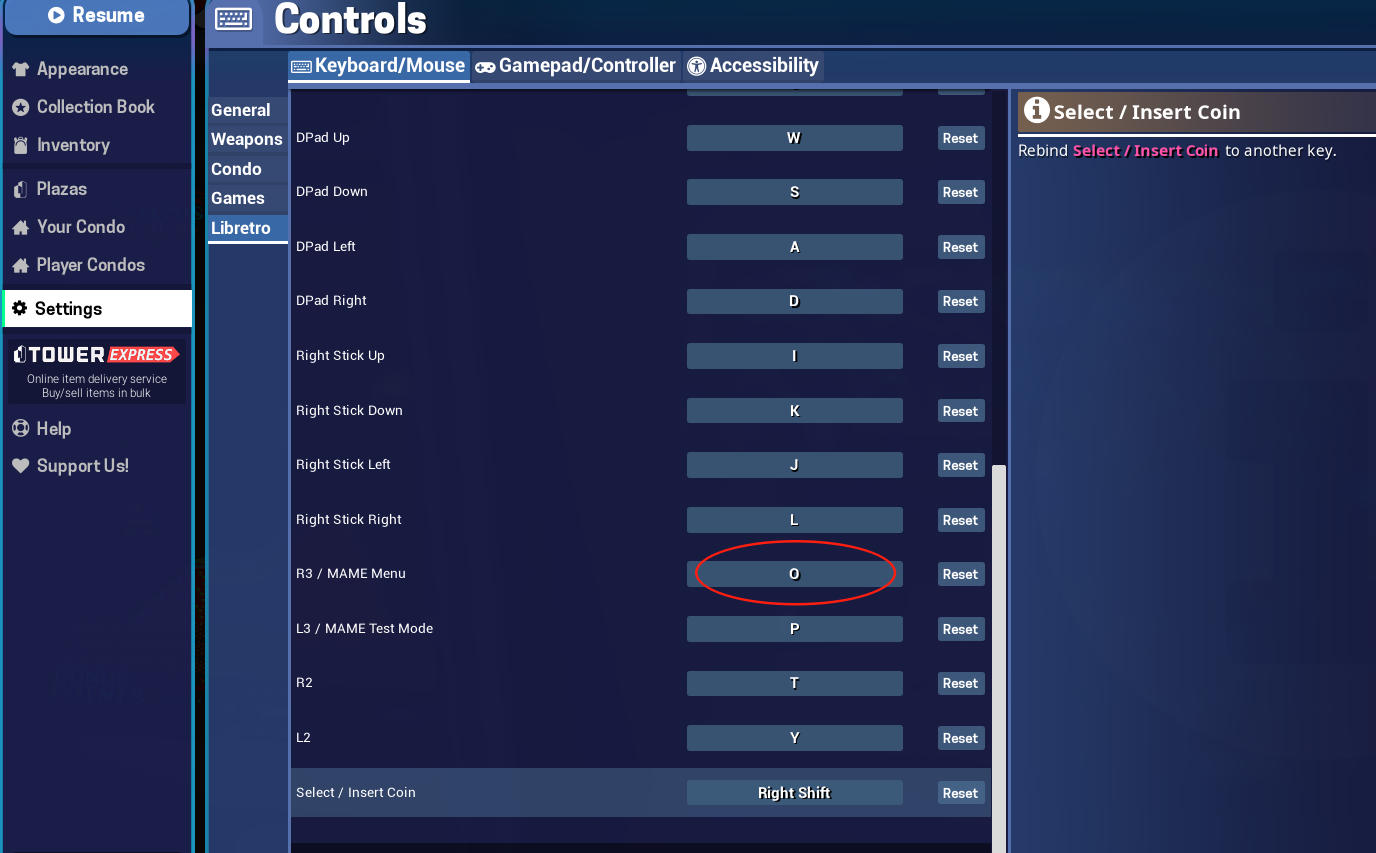
In most games(eg.MAME2025 games), pressing these two keys will have no effect. In some games, pressing the MAME Menu key defined by the game will turn it into a coin slot key.
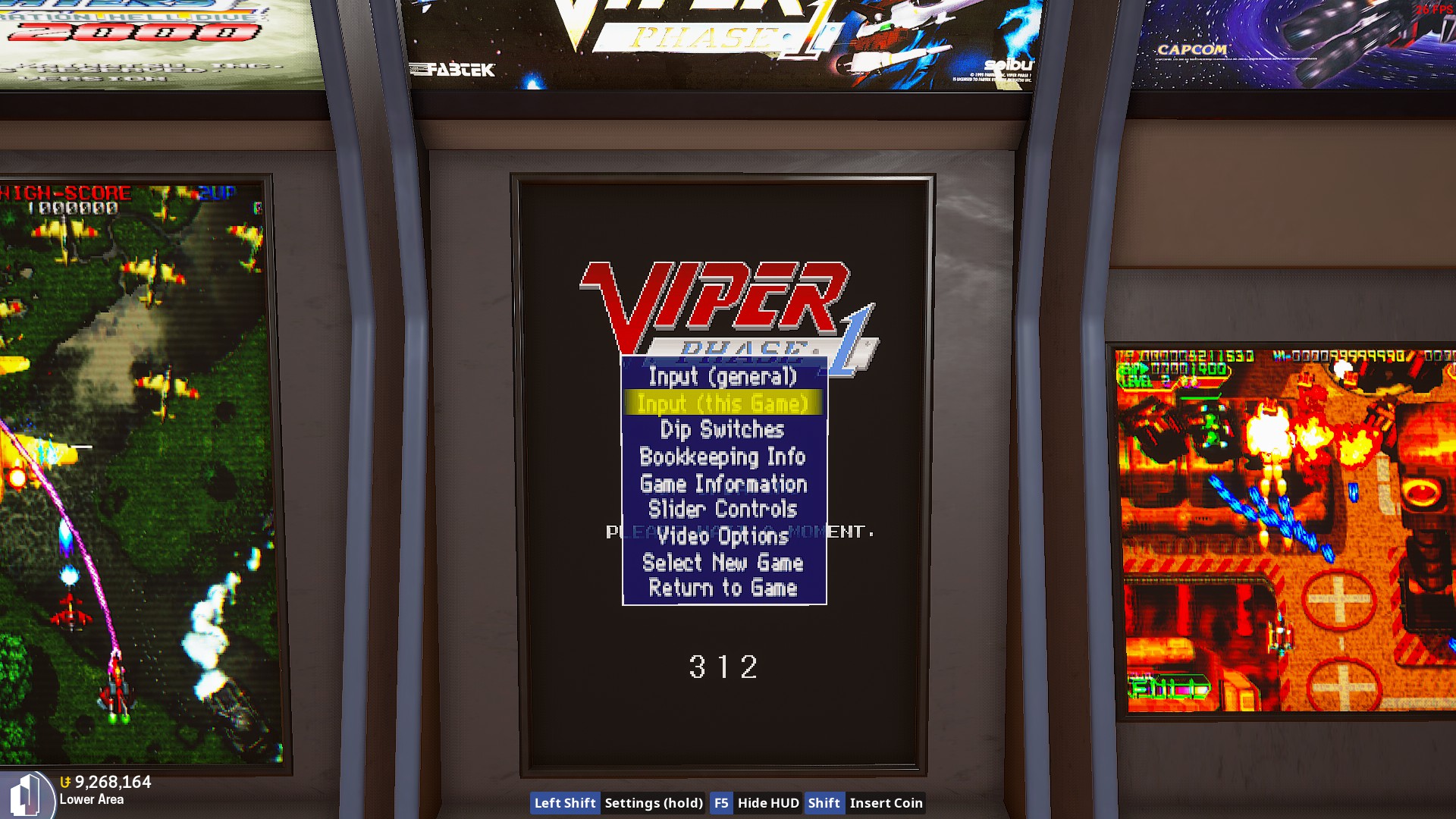
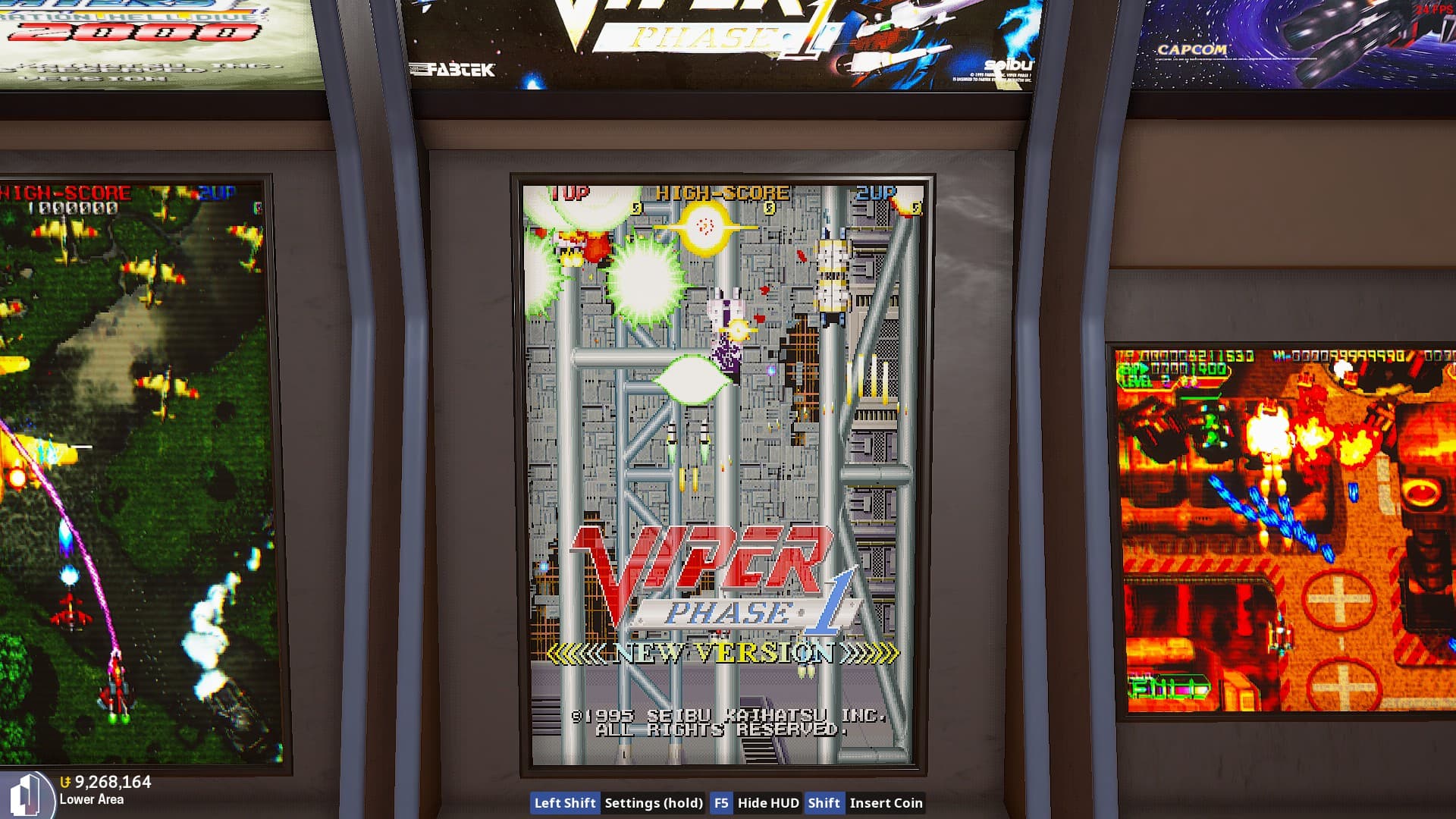
Currently, based on my testing, only the STV driver and ZN1/ZN2 driver of MAME2010 can open the menu. Yes,only the SS and PS interchangeable arcade boards can open the MAME Menu and board test; I haven’t found any others yet.
What I expected to happen

What happened
Unfortunately, all other MAME games cannot bring up the MAME Menu or enter the board settings menu in this way. Mac can you fix it?PLZ~~THX you! 
Notes / Media
Finally, I don’t understand the principle behind TU’s ROM recognition and emulator invocation. Initially, STV/ZN1/ZN2 games are recognized as FBneo games, but after you run them once, they are recognized as MAME2010 games. In other words, some games that are displayed as FBneo can also open the MAME menu.