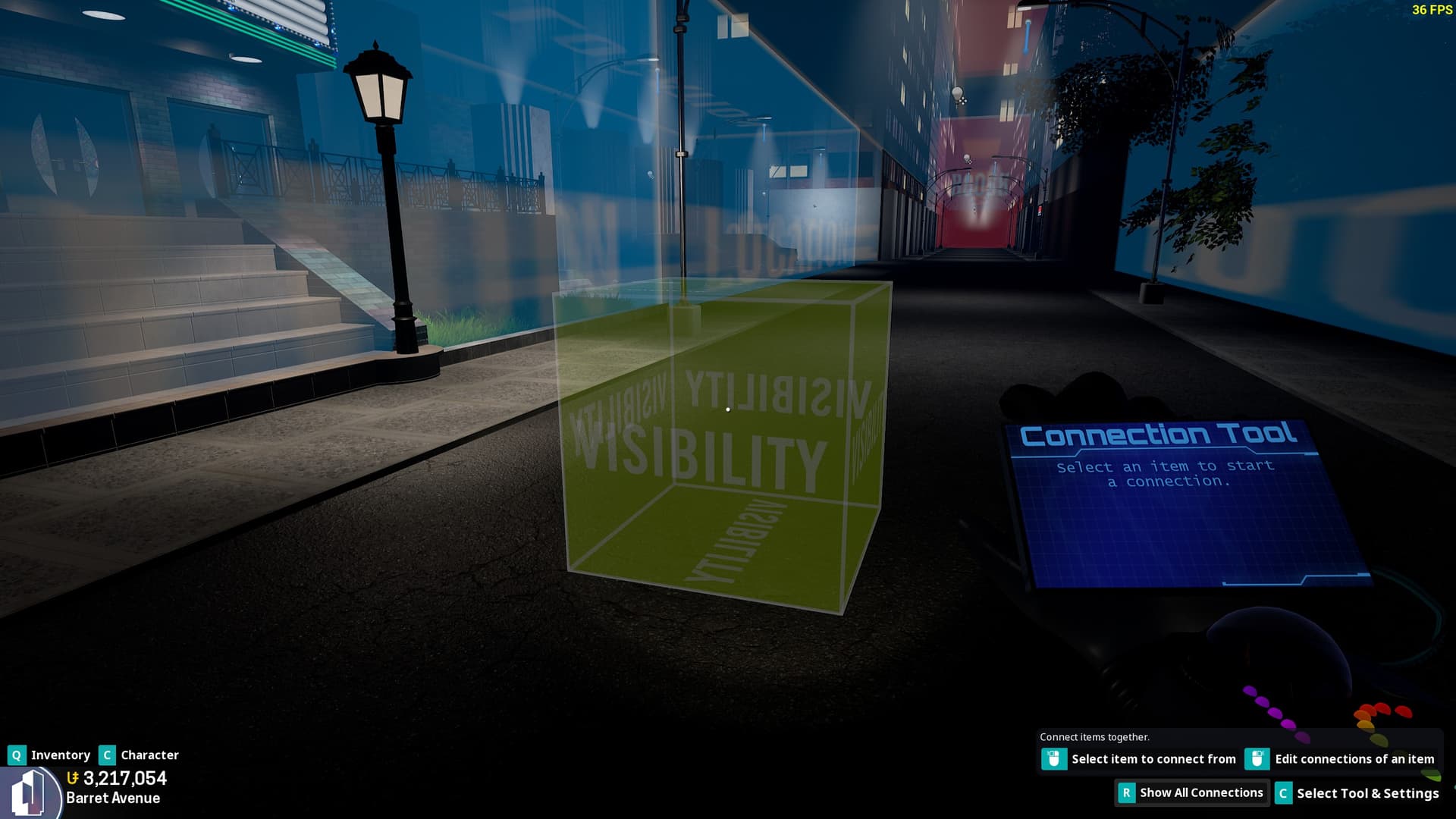
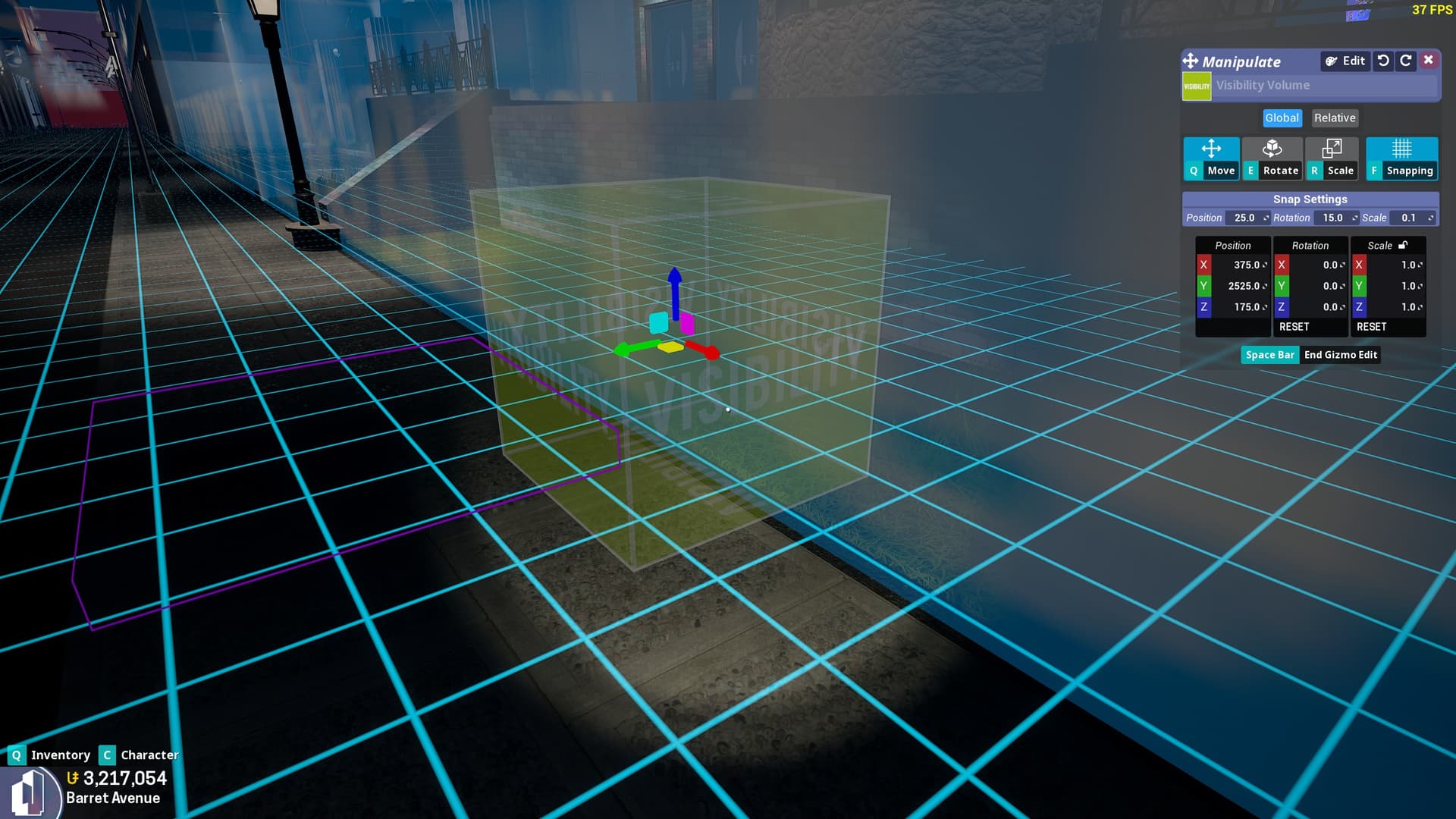
The new visibility volume has some issues that I’ve observed. Beyond the common bugs, there’s two things that are currenly hurting it and preventing me from being able to use it:
1) Manual Connections
The Visibility Volume has no ability to be directly connected to items with the Connector tool. This, to me, presents some issues, as sometimes you may want to use it to hide or reveal things at a greater distance, and attempting to expand the visibility volume to encompass this distance presents it's own issues for the second listed reason. If we could wire the volume manually, it would be very helpful and allow for better and more precise usage of the volume.
2) Collection Issues.
I don’t know if this is a bug or not, but currently, the Visibility Volume seems to automatically collect any item that the volume intersects with, without hitting the collect button. This presents issues as, once again, it does not allow us to manually choose what is and is not hidden, and also does not allow us to properly see or collect things within the boundary.
I sincerely hope these issues could be addressed soon. I know I, as well as many other builders, were very eager for the inclusion of these items, and while I know bugs and issues are bound to erupt every update, I can’t say I wasn’t disappointed with how this item turned out. I sincerely hope that the issues highlighted here can be ironed out, as this would be of great help to allow us to optimize builds.
The Visibility Volume was designed to hide items that are inside of it, not selective items, but all items inside it. That’s why it gathers objects inside it.
But, I am adding a setting to allow for optional selection mode, and a setting to adjust the activation range of the visibility volume.
This would be greatly helpful. Speaking on the perspective of my studio build, for instance, the Studio itself descends downward to a lower point than where the “2nd Floor” is based, so if I wanted to hide it, I’d have to use 2 or more volumes and intersect them all in order to properly have them be hidden.
So long as I can at least manually wire up the items I want to hide in the volume, my main issue should be solved.
Can the Visibility Volume not automatically collect things as soon as it is spawned?
No, it does, but the problem I have is that my Studio is shaped in a way that prevents me from being able to effectively use it. I want to be able to manually connect items to the volume or manually exclude things from it.
Yeah, still waiting for that ngl.
Another problem I am having is the Visibility Volume will still collect objects well outside of its bounds
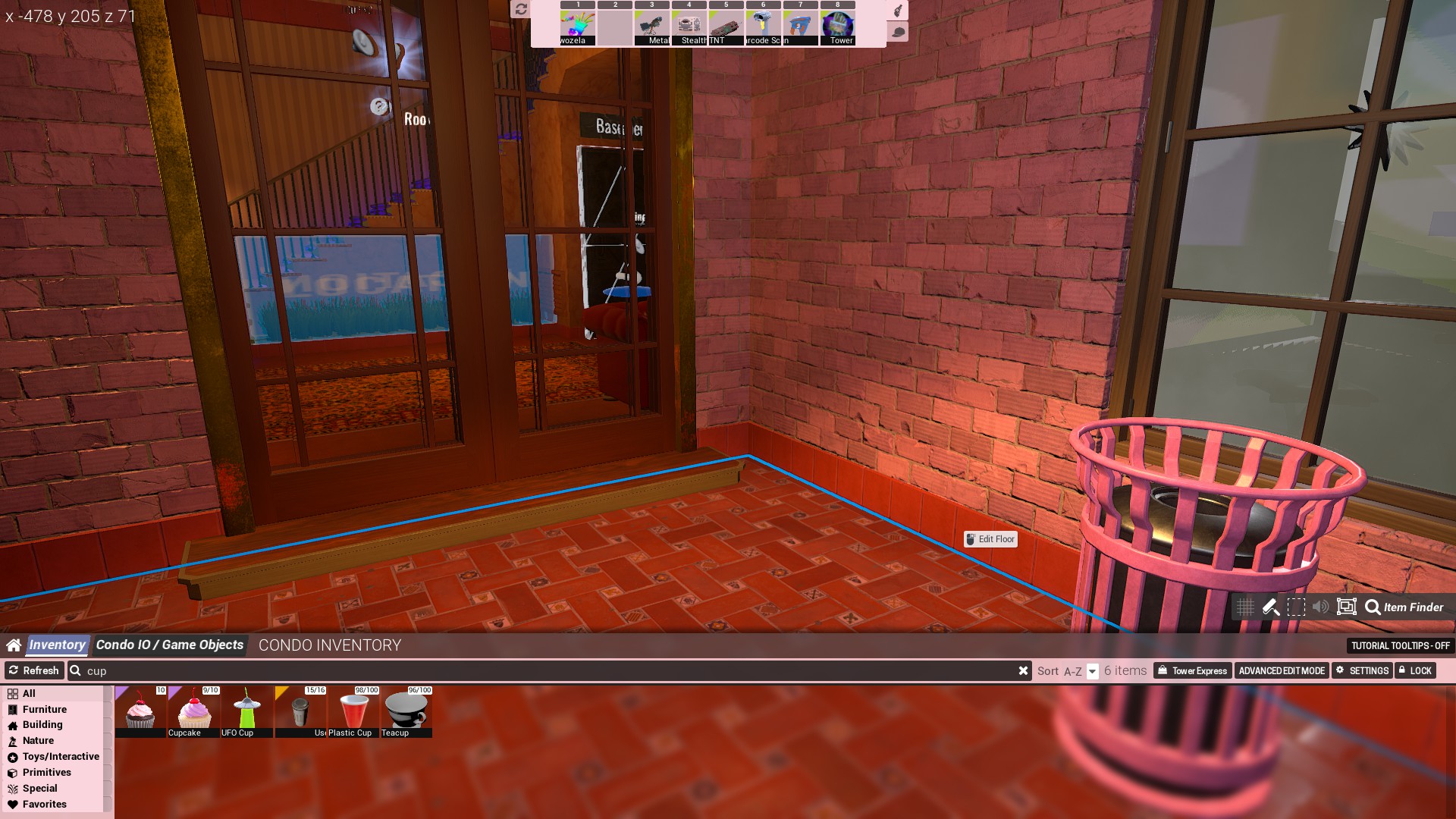
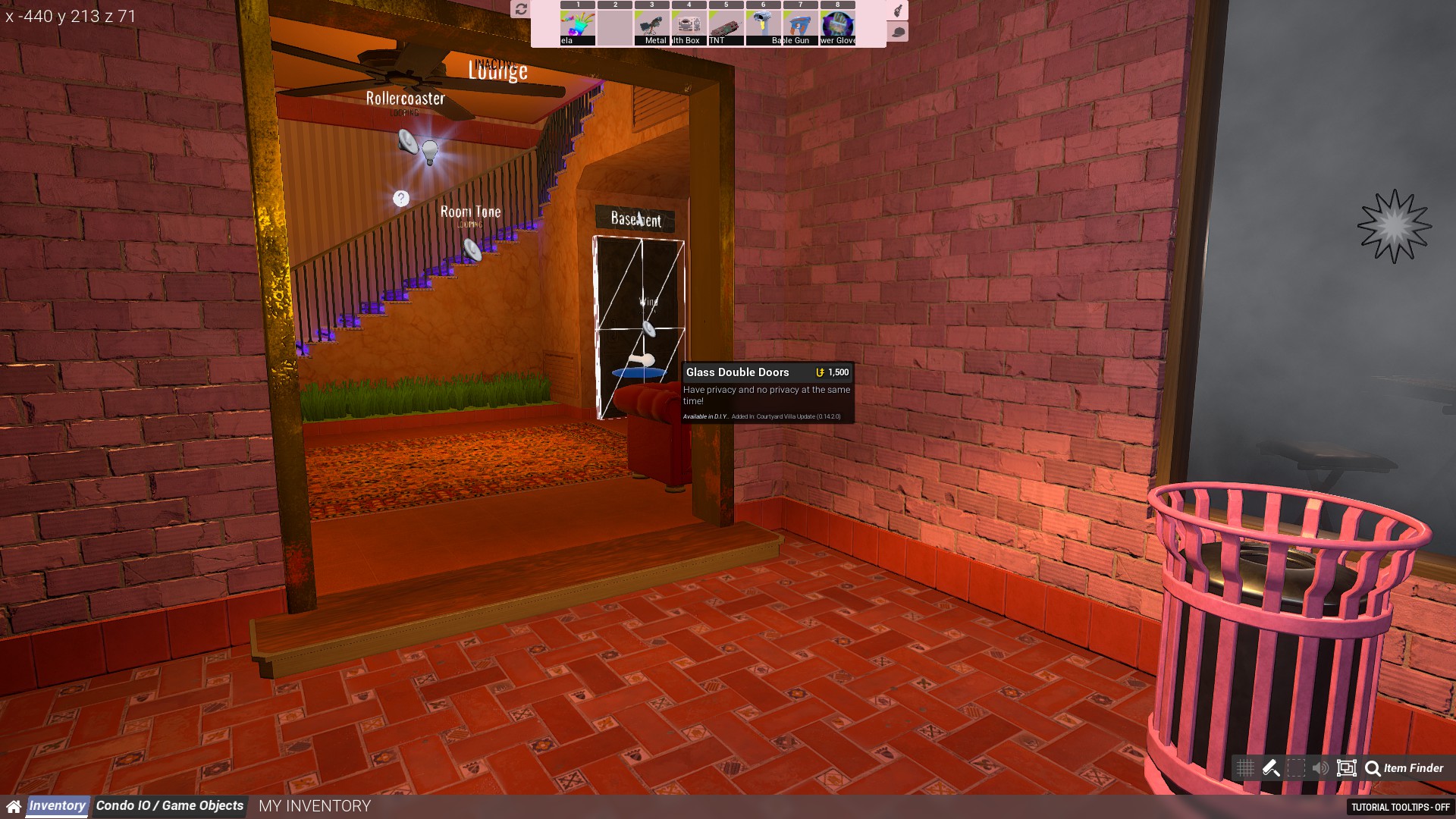
For example - in Courtyard Villa, I have a Visibility Volume snugly enclosing the contents of the Downstairs Bedroom - to the point where it is flush with the walls, ceiling, and floor with mathematical precision, the volume still proceeds to collect the Glass Double Doors I have placed that connect the Hallway and Kitchen with the exterior, despite those doors being some 68 map units fully outside of the volume’s perimeter
Here’s how it looks while hosted in-game:-
Here’s how it looks while on dedicated:-
Note the overlay indicating the presence of Glass Double Doors, and the window frames are affected too