Important: Please include the version number of the game in the title! (for example: [1.0.1.0] Broken Feature).
The latest version is [1.0.1.0]
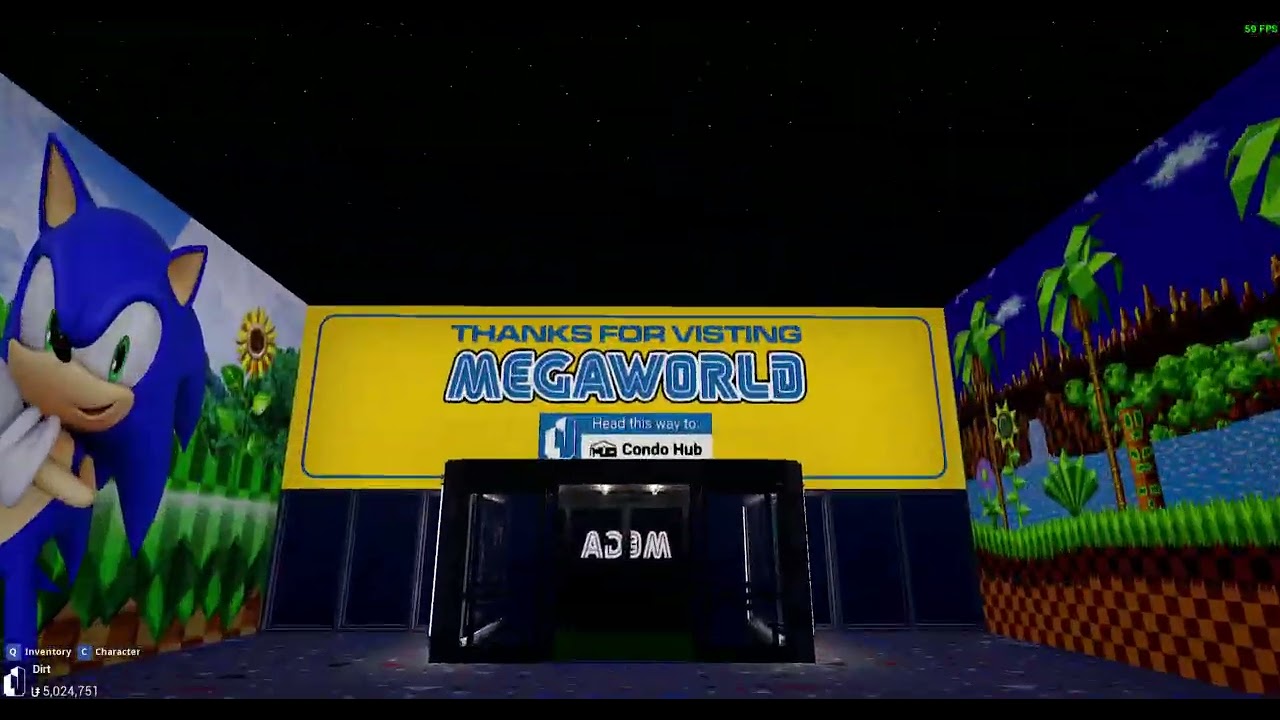
Tower Unite Condos soft lock if anything is placed in the 0, 0, 0 point. Regardless of a custom spawn point being placed, Tower Unite basically soft locks (you can’t press K to respawn or move the camera) unless you completely reset the condo.
Steps to Reproduce
Create a condo save with an item placed in the 0, 0, 0 point (in my case, my item was set to 0, 0, 112.5)
What I expected to happen
The player to spawn in the specific spawn point specified with the placement of the I/O “Custom Spawn Point”
What happened
After clicking to respawn, nothing happens. The camera is completely locked to the position it was at previously and pressing K does nothing.
Notes / Media