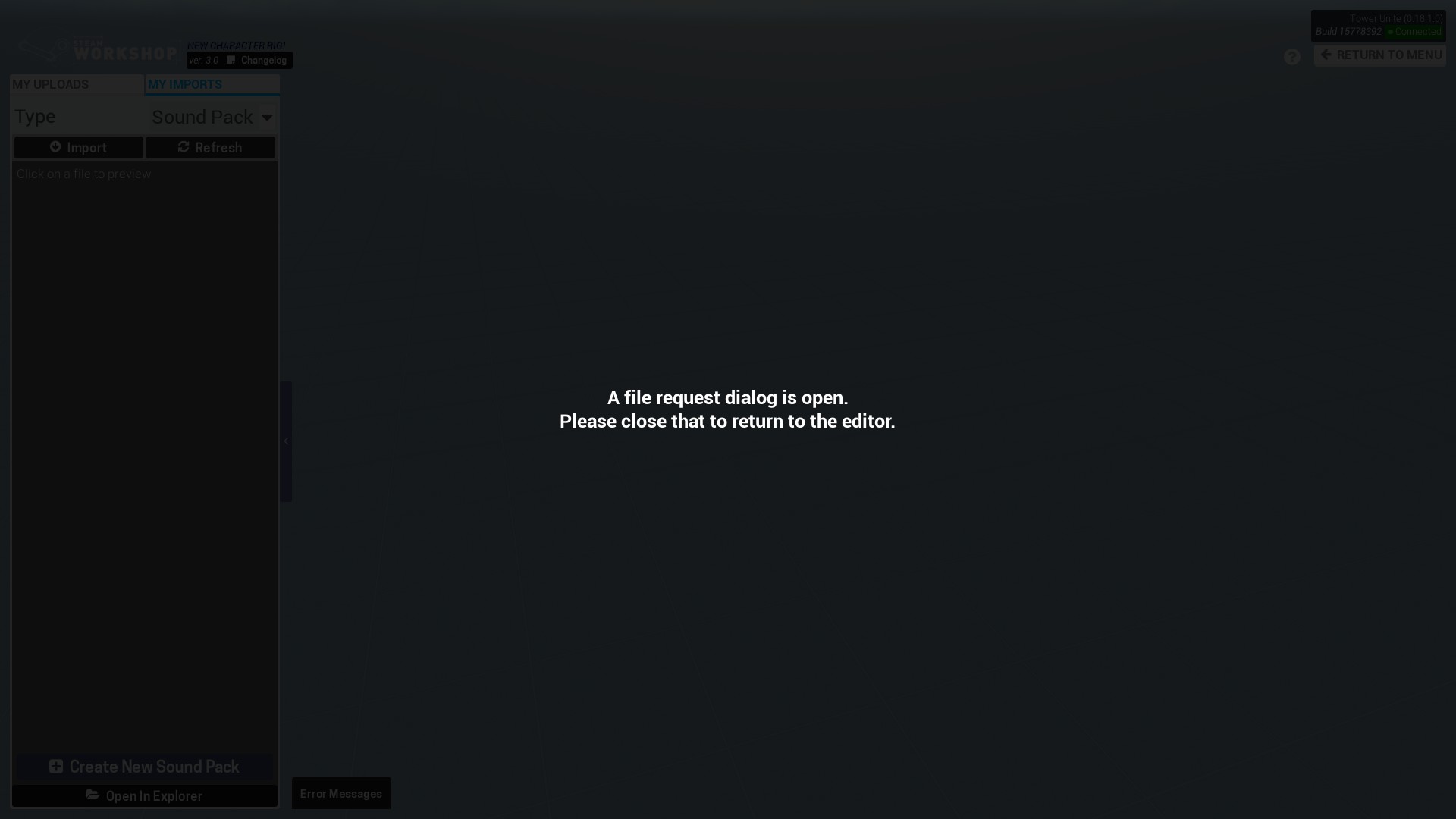
I was attempting to open an .ogg file to use in a Workshop sound pack, but Tower Unite softlocked upon the file dialog closing, claiming it had not yet closed. UPDATE: I was able to get around this bug by first creating a sound pack, then importing a sound using the alternative ‘Import Sounds’ button.
Steps to Reproduce
- Go to Workshop Editor > Player Model / Item Creation in the main menu.
- Select ‘Sound Packs’ as the Type and switch to My Imports. There should be no sound packs in the list.
- Click ‘Import’ and paste the path to a folder with lots of high-quality .ogg files. You will know this step has been completed successfully if it takes around 2 seconds to fully load the folder’s contents.
- Double-click on one of the .ogg files. The file dialog will close but Tower Unite will not recognise this.
What I expected to happen
Tower Unite should recognise that the file dialog has closed.
What happened
Unable to continue using Tower Unite after selecting a sound file, requiring a restart.