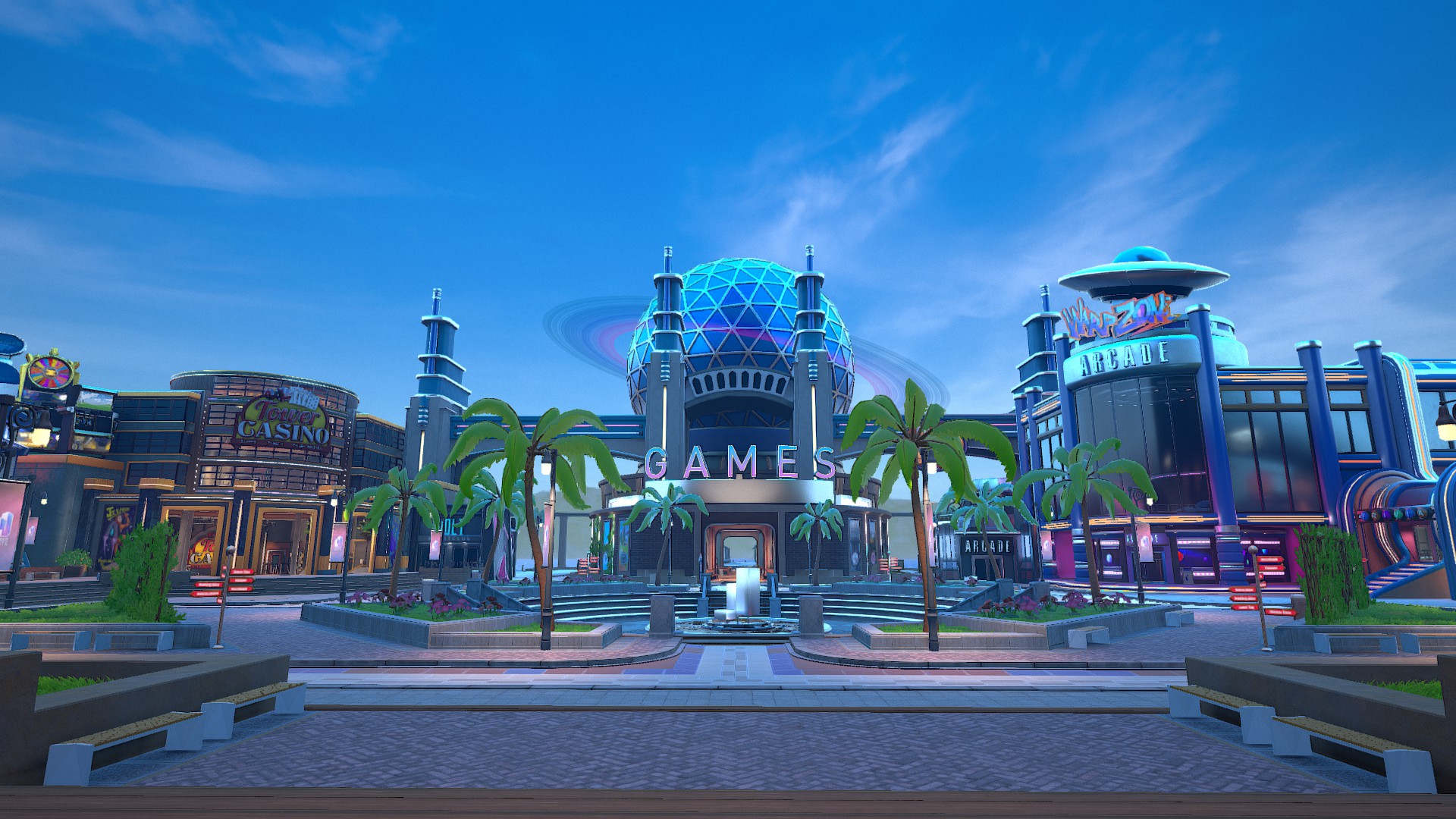
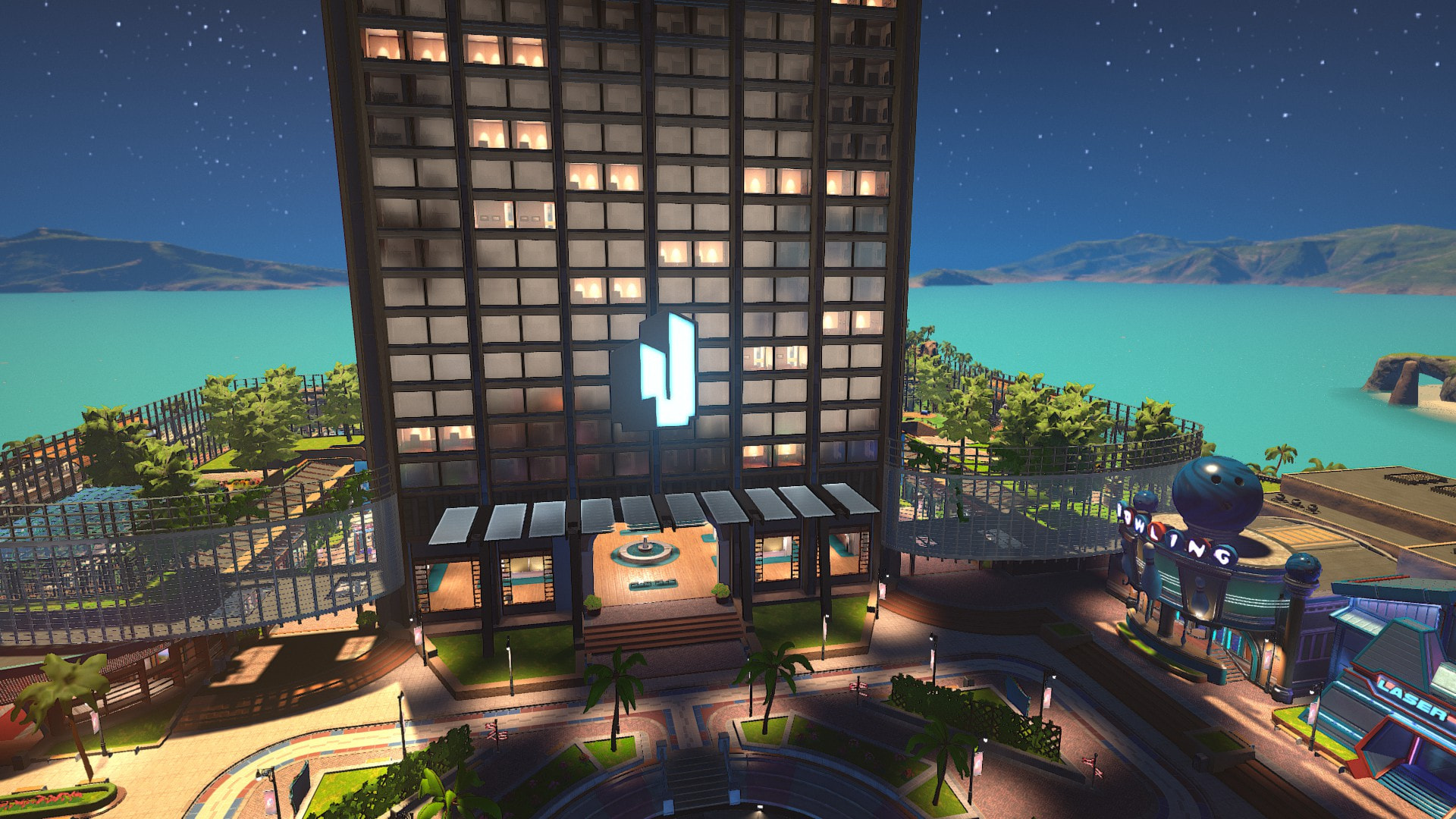
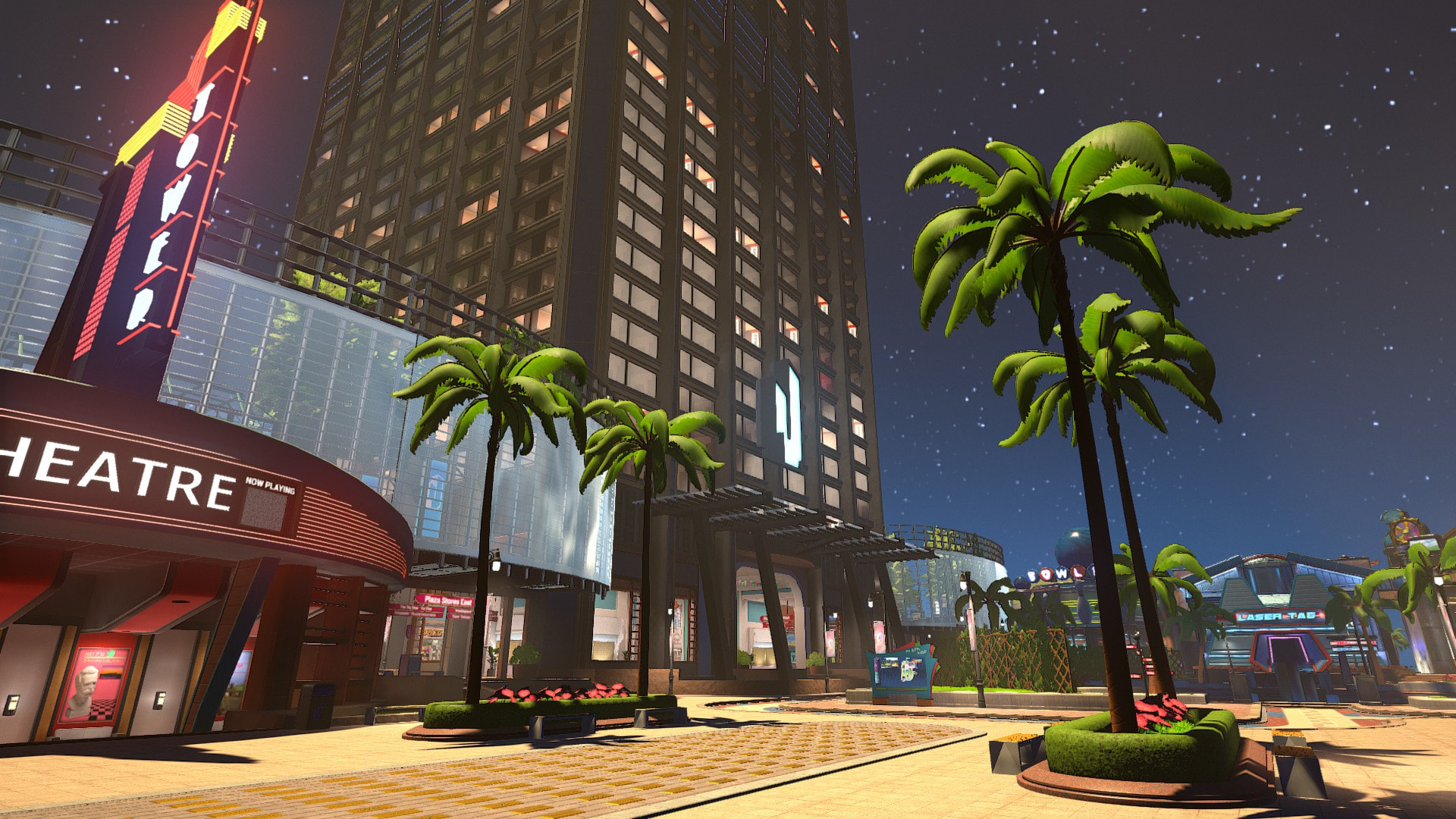
The setting for “Day/Night Mode - Plaza” only functions for the amount of time I am connected to the plaza. Upon changing the setting to “Always Night”, disconnecting and returning to any plaza server, the time of day will become dynamic as default. In settings, the setting will still remain “Always Night” despite not being night. This is temporarily fixed by changing the setting to “Always Day” then back to “Always Night.”
Steps to Reproduce
- Set the setting to “Always Night” and confirm that the time of day in the Plaza has changed.
- Disconnect and reconnect to any Plaza server.
- Go outside of Plaza spawn. You will find the time of day does not reflect the “Always Night” setting you have set, you must change it to “Always Day” or “Animated” then back to get what you were looking for.
What I expected to happen
I was expecting that by setting this setting to “Always Night”, I as long as that setting was there the Plaza would always appear as though it were night time. I expected this to be consistent regardless of disconnecting and reconnecting, and I did not expect having to go back into settings to ensure that “Always Night” mode remained on.
What happened
“Always Night” is temporary and requires fiddling with settings upon every reconnect if you wish the Plaza to always stay in night mode.
Notes / Media
New users cannot post attachments, therefore I am unable to share the video of myself recreating this bug from beginning to end. If requested of me, I can supply my recording through any method that would be most convenient.